10 KPIs for Customer Service: A 2026 DTC Guide
Are you tracking the right customer service metrics, or just the easiest ones to export from your help desk?
A lot of teams still treat ticket volume as the headline number. That’s outdated. For modern DTC brands, especially those using AI to handle routine conversations, volume only tells you that customers are talking. It doesn’t tell you whether support is protecting revenue, improving margins, or removing buying friction.
That’s why the best kpis for customer service now look different. If autonomous AI can handle more than 70% of support conversations, the core question isn’t how busy your inbox is. It’s whether shoppers get answers fast enough to buy, whether routine work gets deflected from your team, and whether support improves conversion, loyalty, and cost control at the same time.
Traditional support reporting was built for human queues. Ecommerce brands need something closer to a live trading dashboard. You need to see which interactions unblock checkout, which policies create repeat contacts, and which automations save your team from drowning during evenings, weekends, and launches.
If you’re mapping that shift, these autonomous customer support use cases are a useful reference point.
1. First Response Time
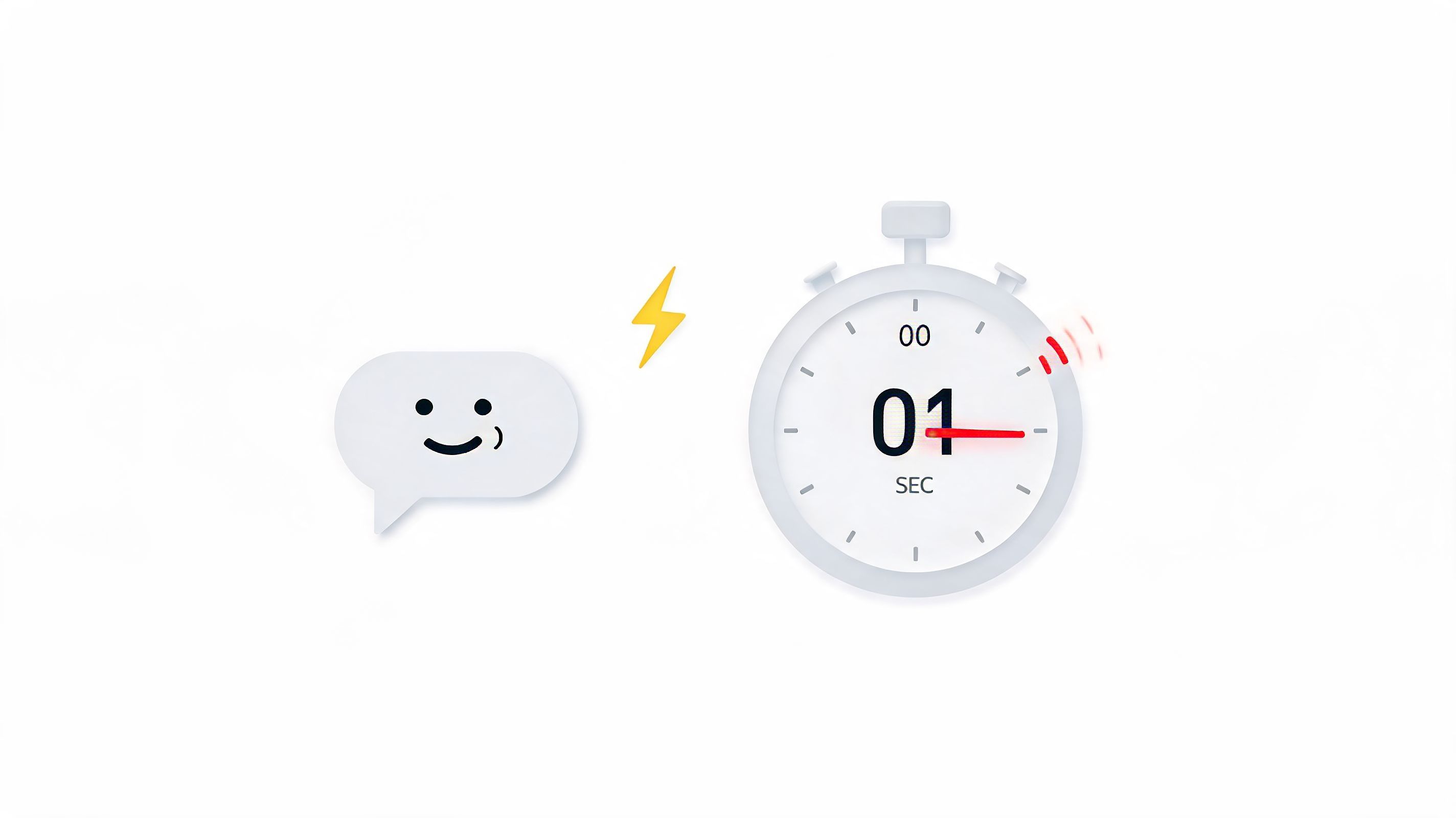
First Response Time tells you how long a customer waits before getting the first reply. In ecommerce, that wait often happens at the worst possible moment. A shopper is on a product page, has one question about sizing, shipping, or returns, and is seconds away from leaving.
With a human-only team, FRT usually stretches when traffic spikes. With autonomous chat, it compresses to near-immediate. That changes customer behaviour, not just reporting.
How to measure it properly
Use a simple formula:
- FRT formula: total time to first reply divided by total incoming conversations in the period
That sounds basic, but AI changes the interpretation. If your chatbot replies instantly but then stalls, the metric looks healthy while the experience feels broken. So don’t stop at the first timestamp. Pair FRT with resolution and escalation quality.
A practical setup is to split FRT into three views:
- AI first response: how quickly the bot engages
- Human first response: how quickly escalated chats reach a person
- Peak-hour first response: what happens during evenings, weekends, and campaign surges
Practical rule: A fast greeting only matters if the customer gets to a useful answer without friction.
For Shopify stores, I’d also break FRT down by page type. Product-page questions are urgency-heavy. Post-purchase queries can tolerate a little more delay. Treating both the same hides where speed affects revenue.
What works and what doesn’t
What works is proactive engagement tied to intent. If someone lingers on a product page or opens the cart, a well-timed chat prompt can remove hesitation before it becomes abandonment.
What doesn’t work is chasing a vanity FRT number with scripted bot openers that add no value. “Hi, how can I help?” is technically a response. It’s often not helpful.
If you run AI support, measure whether first response gets the shopper into a useful path quickly. That’s the version of FRT that matters.
2. Customer Satisfaction Score
What does a strong CSAT score mean when a customer never speaks to a human?
In an AI-first support setup, CSAT stops being a generic happiness metric. It becomes a quality check on automation itself. If shoppers rate the interaction highly, the bot likely gave the right answer, kept the path short, and solved the problem without creating extra work. If they rate it poorly, the issue is rarely the presence of AI alone. It is usually bad routing, weak knowledge, or a reply that looked fast but did not move the customer closer to a decision.
That distinction matters in ecommerce because satisfaction links directly to buying behaviour. A helpful pre-sales conversation can remove hesitation and protect conversion. A frustrating post-purchase exchange can turn a simple delivery question into a refund request, chargeback risk, or lost repeat purchase.
The practical move is to stop treating CSAT as one blended number. Split it by conversation type so the score reflects the job the bot was doing:
- Pre-purchase CSAT: product questions, sizing, shipping promises, bundle guidance
- Post-purchase CSAT: tracking, returns, replacements, cancellations, damaged orders
- Escalated conversation CSAT: cases where AI handed off to a human
Those buckets behave differently because the customer arrives with different stakes. Pre-purchase chats are sales conversations wearing a support label. Post-purchase chats are trust conversations. If both sit in one average, the score hides where automation is creating revenue and where it is creating risk.
I also recommend separating CSAT by answer type. A bot that performs well on order tracking may still fail on nuanced policy questions or edge-case returns. Founders do not need a prettier average. They need to know which intents are safe to automate fully and which still need human review.
A few operating rules make CSAT more useful:
- Trigger the survey immediately after the interaction: delayed surveys lower response quality
- Keep it short: a rating plus one optional comment is enough
- Tag AI-only versus human-assisted chats: otherwise the score cannot guide automation decisions
- Review negative responses with transcript context every week: the comment usually points to the exact workflow or article that needs fixing
Customers accept automation when it saves time. They reject it when it traps them in a loop.
For DTC brands, that is the benchmark. A high CSAT from autonomous support means the system is doing more than deflecting tickets. It is protecting trust at scale while keeping support costs under control. That makes CSAT less like a vanity score and more like a product feedback loop for your service operation.
3. Resolution Rate
How often does your support system finish the job?
Resolution Rate answers that. For an AI-first DTC brand, it is one of the clearest ways to tell whether the bot is removing work or creating more of it. Fast replies can look impressive on a dashboard. They do not matter much if the customer still has to come back, reopen the issue, or wait for a human.
Resolution rate is often defined as the share of customer issues solved without a follow-up. In practice, the better question is narrower. Did the autonomous system give the customer a usable outcome, or did it only provide an answer-shaped response?
That distinction matters because automation changes the failure mode. A human agent who cannot help usually signals that quickly. A weak bot often keeps the conversation going with polite language, then leaves the customer stuck. On paper, that can still look efficient. In operations, it creates repeat contacts, refund risk, and abandoned carts.
What good resolution looks like with AI
For ecommerce, a resolved conversation usually means one of four things happened:
- the shopper got the information needed to buy
- the customer fixed a post-purchase issue without another contact
- the bot completed the action itself, such as updating an address or checking order status
- the conversation was routed to a human with full context before frustration built up
The fourth point counts because smart escalation is part of resolution design. An autonomous chatbot should not try to win every case. It should close simple cases on its own and hand off the expensive or sensitive ones early enough to protect the sale and the relationship.
I would never track one blended resolution rate across all intents. A sizing question, a damaged-item complaint, and a subscription cancellation request have different stakes and different automation ceilings. Founders need to know where AI can operate independently and where human judgment still protects margin.
How to measure it without fooling yourself
Split resolution rate by intent first. Then split it again by outcome type: AI-only, AI-plus-human, and unresolved or repeat contact.
Useful buckets include:
- Pre-sale product questions
- Shipping and delivery queries
- Returns and exchanges
- Order changes
- Subscription or account requests
- Complaints requiring goodwill or exception handling
That view shows what a headline resolution rate hides. A bot may resolve 90% of order-tracking chats and only 40% of return-policy edge cases. Those are very different operational signals. One suggests you should automate more aggressively. The other suggests your policy logic, training data, or escalation rules need work.
If you use Marvyn AI or a similar autonomous support platform, review a sample of "resolved" conversations every week. I look for one thing first. Did the customer leave because the issue was handled, or because they gave up? Transcript review catches false positives that dashboards miss.
This same principle applies outside support. A founder once told me they had only optimized my listings on Amazon after seeing how many "pre-sale support" questions were really merchandising problems. Resolution data can expose catalogue friction, policy confusion, and PDP gaps just as clearly as it exposes chatbot weaknesses.
Resolution rate works like a leak test. High volume can be manageable if conversations close cleanly. Low-quality resolution turns every peak period into extra labour, extra contacts, and avoidable revenue loss.
4. Conversation Volume and Cost Per Interaction
Volume without cost context is noise.
A founder can look at rising chat volume and think support is thriving, when what’s happening is the store is creating more confusion. The number only becomes useful when paired with cost per interaction.
Read volume as an operations signal
Conversation volume shows demand for help. Cost per interaction shows how expensive that demand is to handle. Together, they tell you whether support scales cleanly or drags margin down as the store grows.
For AI-first brands, the economics become obvious. If automation takes care of routine questions, volume can rise without forcing a matching increase in payroll or agency spend. That’s a very different operating model from hiring your way through every sales spike.
The common formula is straightforward:
- Cost per interaction: total support cost divided by total handled interactions
That total support cost should include software, team salaries, outsourced help, and any platform costs attached to support delivery.
Where founders usually get this wrong
Many teams lump all conversations together. That hides the big opportunity. A product recommendation chat is not the same as a damaged parcel complaint. One can create revenue. The other protects retention.
Track volume in categories such as:
- Pre-sales enquiries
- Order-status questions
- Returns and policy questions
- Escalated human conversations
Then compare the cost of each class over time. That’s how you decide where AI should go deeper and where human attention still earns its keep.
A useful external reference for growth teams thinking about profitability alongside merchandising is this guide on how brands optimized my listings on Amazon. The connection is simple. Better product information reduces unnecessary support demand before it starts.
If conversation volume keeps rising on the same topics, don’t just celebrate engagement. Fix the page, the policy wording, or the checkout friction creating the questions.
5. Cart Abandonment Recovery Rate
How many abandoned carts could your support team recover if help arrived before the shopper left?
Cart abandonment recovery rate measures the share of at-risk checkouts that convert after a customer service interaction. For DTC brands using autonomous AI chatbots, this KPI matters because it sits close to revenue. It shows whether support is removing purchase friction at the point where money is about to change hands.
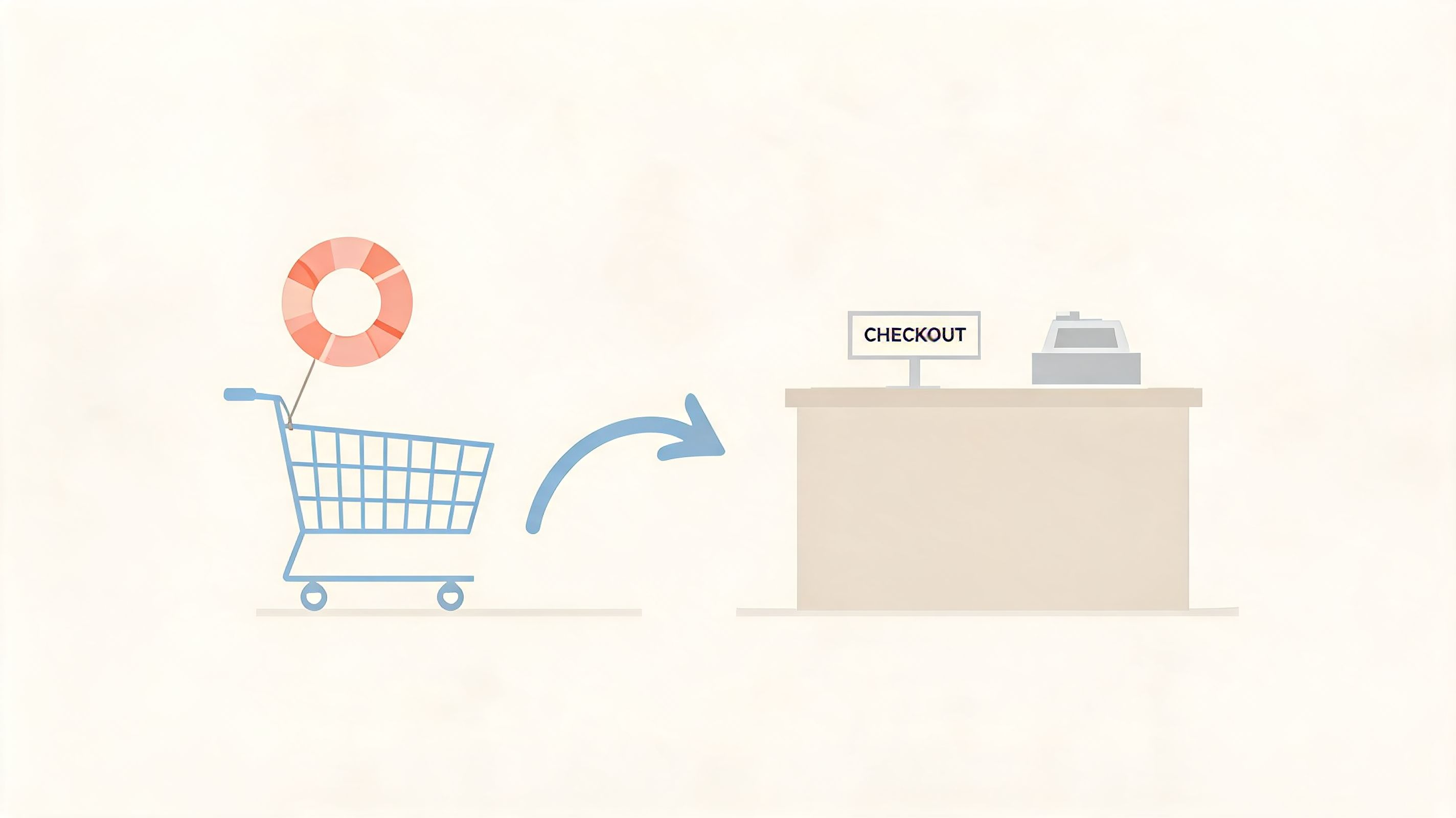
A generic abandoned-cart email measures marketing recovery. This KPI measures service-led recovery. That distinction matters. If a shopper asks about delivery timing, fit, subscription terms, or return windows, the blocker is not always price. It is uncertainty. A chatbot that answers clearly, in the moment, can recover revenue that discounting would otherwise chase at lower margin.
What recovery looks like in practice
Recovery usually starts with a pre-purchase objection that appears small but stops the order:
- shipping cost or delivery speed
- return policy questions
- size, fit, or compatibility concerns
- stock confidence
- payment or checkout confusion
Autonomous chat changes the benchmark because the intervention happens during intent, not hours later in an inbox. That is the operational advantage. Human teams rarely cover every high-intent moment at scale, especially during evenings, launches, and paid traffic spikes. AI can.
How to measure it properly
Use a narrow definition. Track carts recovered after a support interaction tied to the same session, customer, or checkout. Otherwise, the number gets inflated by shoppers who would have converted anyway.
A practical formula is:
- Cart abandonment recovery rate: recovered purchases after support interaction divided by total abandoned-cart cases with support interaction
Segment the metric by conversation type. Pre-sales product guidance, delivery reassurance, payment troubleshooting, and policy clarification perform differently. If all recovery is grouped into one bucket, the team cannot see which flows deserve automation, better training data, or human escalation.
What good operators watch for
A high recovery rate is not always a win. If the bot recovers carts by handing out discounts too quickly, margin takes the hit. If it answers quickly but gives vague policy information, refunds and complaints rise later. The goal is profitable recovery, not just more completed checkouts.
Three operating rules help:
- Trigger support where hesitation appears. Cart, checkout, high-AOV product pages, and repeat product views are the highest-value placements.
- Train the bot on objection handling, not only FAQs. Delivery cutoffs, fit guidance, bundles, returns, and payment options need clear answers tied to conversion.
- Escalate edge cases fast. A wrong answer near checkout costs more than a delayed handoff.
A short visual explainer can help teams align on where support fits in checkout rescue:
Founders should read this KPI alongside resolution rate and conversion rate, but keep it separate. Cart abandonment recovery rate answers a more commercial question. Did support save the sale before the customer disappeared?
6. Average Order Value Increase Attribution
Did support help the customer spend more for the right reason?
Average order value increase attribution measures whether a conversation led to a larger basket through better product matching, useful add-ons, or a more suitable plan, size, or bundle. For DTC brands, autonomous AI changes the economics of support. A human team can upsell in bursts. A bot can do it on every relevant conversation, at scale, and log the path it took.
That changes the KPI itself. The question is not only whether AOV went up. The question is whether the bot raised order value while protecting margin, keeping return risk under control, and staying accurate.
Why this KPI matters more with AI support
AOV lift from support is easy to miss because it often looks like ordinary merchandising. A customer asks which serum works for sensitive skin, and the chat recommends the matching cleanser. A shopper buying a sofa asks about fabric durability, and the bot steers them to the better-fit version with the right care kit. Those are service conversations on the surface, but commercially they work like assisted selling.
Autonomous AI makes this measurable in a way many teams never managed with human agents. Every recommendation can be tied to intent, product viewed, cart value, and final order. That gives founders a clearer answer to a finance question that comes up fast. Is support only reducing cost, or is it also increasing revenue per order?
How to attribute AOV lift without overstating it
Attribution gets messy quickly. Higher-value shoppers are more likely to contact support in the first place, so a simple before-and-after comparison can exaggerate the bot's impact.
Use a cleaner approach:
- compare orders from customers who used chat with similar customers who did not
- segment by conversation intent, not just channel
- separate recommendation flows from service-only flows
- track gross margin after discounts, not only basket value
- review return rates on orders influenced by chatbot recommendations
That last point matters. A bot that pushes premium items too aggressively can raise AOV and still hurt profit if returns climb or discounting rises. Good operators treat this KPI like retail attach rate mixed with QA. Bigger baskets only count as a win when the recommendations fit the customer's actual need.
What to measure inside the KPI
Broad AOV reporting masks true performance. Break attribution into a few conversation types so the team can see where the bot performs effectively.
Useful segments include:
- Product-match conversations. The bot helps the customer choose the right variant, size, formula, or model.
- Bundle and accessory conversations. The bot recommends items that improve the main purchase.
- Trade-up conversations. The bot explains why a higher-priced option fits the customer's use case better.
- Service-only conversations. Shipping, returns, and order status chats that should not be credited with sales influence unless there is clear evidence.
This is often where automation beats human support. Human agents vary. Some recommend thoughtfully. Some avoid selling altogether. A well-trained AI can follow the same recommendation logic every time, ask the same qualifying questions, and avoid random cross-sells that feel scripted.
The practical rule is simple. Recommendations should come from intent, not from a blanket upsell prompt. If a customer asks about skin sensitivity, the next best suggestion should relate to compatibility. If they ask about delivery timing, that is usually not the moment to push accessories.
A strong bot turns support into assisted commerce. A weak one turns every chat into a sales pitch. Founders should measure the difference in margin, not just the difference in basket size.
7. Conversion Rate Improvement
How often does a support conversation turn hesitation into a completed order?
That is the version of conversion rate customer service teams should track. For DTC brands using autonomous AI, the question gets more specific. Which conversations change buying behaviour, and which ones just absorb service demand?
Standard conversion reporting often gives support too much credit or none at all. A shopper may chat with the bot, leave, come back two days later through email, then purchase on mobile. If the measurement setup is weak, support looks irrelevant. If attribution is too loose, every assisted order gets counted as a win. Both mistakes distort budget decisions.
Why this KPI changes with AI
Human support has limited coverage. The team is online for certain hours, handles a fixed number of chats, and often focuses on pre-sale questions only when queues are manageable. An autonomous bot changes the sample size and the economics. It can answer every fit, compatibility, shipping, and ingredient question at scale, including the ones a human team would never reach in time.
That means benchmark expectations should change too. The goal is not just to prove that assisted shoppers convert better. The goal is to measure whether the bot increases conversion efficiently enough to justify its operating cost, training effort, and any impact on brand trust.
A useful way to frame it is this. Conversion rate improvement is the revenue-side partner to cost per interaction. One tells you whether the bot saves money. The other tells you whether it helps make money.
How to measure it without fooling yourself
Start with assisted sessions versus unassisted sessions, but do not stop there. Segment by intent and by stage of journey.
Useful cuts include:
- Pre-purchase product questions. Size, fit, compatibility, materials, usage, subscriptions.
- Checkout-risk questions. Delivery timing, payment issues, discount confusion, stock availability.
- Policy questions before purchase. Returns window, exchanges, warranties.
- Post-purchase service chats. Order tracking or changes, which usually should not carry the same conversion expectation.
This segmentation matters because not every conversation deserves a conversion target. A shipping-policy answer on a product page may prevent abandonment. An order-status chat after purchase should reduce workload, not drive another sale.
What strong teams look for
The best signals usually sit inside objection-handling flows. If the bot answers the questions that block purchase, conversion lifts. If it responds quickly but stays generic, chat volume rises and revenue barely moves.
Review transcripts from high-intent conversations that ended without a sale. Look for patterns such as vague sizing guidance, weak product comparisons, unclear delivery answers, or bot replies that force the customer back to the product page to hunt for details. Those are conversion leaks.
Strong teams also separate assisted conversion by traffic source. Paid social visitors often need different support than returning email subscribers or branded search traffic. One bot flow rarely performs equally well across all sources.
Where automation creates an edge
A trained AI bot can ask the same qualifying questions every time, surface the right SKU, and keep working during evenings, weekends, and campaign spikes. That consistency matters most when traffic is expensive. If paid clicks cost more each quarter, even a modest gain in assisted conversion can protect margin.
The trade-off is real. Push the bot too hard toward selling, and it starts reading like an aggressive pop-up with extra steps. Keep it too passive, and it becomes an FAQ box that answers questions without helping the customer decide. The right design feels closer to a good in-store rep. Clear, relevant, and brief.
For founders, the practical test is simple. Measure whether AI-assisted conversations increase completed orders in the journeys where doubt blocks purchase, then compare that gain against bot cost, return rate, and gross margin. If conversion rises but low-quality purchases rise with it, the KPI is giving a false win.
8. Customer Effort Score
Customer Effort Score is brutally honest. It asks whether getting help felt easy.
That matters because some support experiences are technically successful but emotionally expensive. The customer got the answer, but only after clicking three pages, rephrasing the question twice, and waiting for a handoff. Resolution happened. Effort was still too high.
Why CES matters more in AI support
AI can lower effort fast, but it can also create a new kind of friction. A bad bot is like a shop assistant who blocks the aisle and repeats the same question. A good one is like a sharp in-store rep who points you to the right shelf immediately.
The research gap on hybrid support models is real here. Traditional KPI frameworks don’t give enough guidance on how to adapt metrics like CES when AI handles most conversations. The Spider Strategies discussion of customer service KPIs highlights this missing guidance around AI-chatbot hybrid support.
How to use CES without overcomplicating it
Keep the survey short. Ask one question after the interaction, such as how easy it was to get help or complete the task. Then segment by task type.
That segmentation matters because effort isn’t equal across journeys:
- Finding a product answer
- Understanding returns
- Changing an order
- Resolving a complaint
If CES is weak on one journey, inspect the transcript and the page context. Often the support issue isn’t only a support issue. It’s a product-page clarity issue, a policy wording issue, or a workflow issue.
A strong CES score usually indicates your support system is doing what a good shop layout does. It helps people reach the right answer with minimal friction.
9. Agent Productivity and Utilisation Rate
Automation should improve human productivity, not just replace human contact.
Once AI handles routine conversations, your people should spend more time on the cases that need judgment, reassurance, or exception handling. That’s where agent productivity and utilisation rate become useful.
What these KPIs should show after automation
Productivity measures output. Utilisation shows how much of an agent’s available time goes into meaningful support work. In a healthy AI-assisted setup, routine workloads fall, complex-case quality rises, and human time gets allocated more intentionally.
The challenge is not to misuse these metrics. If you only push for more tickets per hour, agents will rush through conversations and quality will drop. That’s especially risky in ecommerce when a single mishandled complaint can lose a repeat buyer.
A better way to read the numbers is:
- Are humans handling the right conversations?
- Are escalations reaching the right person quickly?
- Has admin work fallen because AI and automation removed repetitive steps?
What works in practice
Use separate productivity baselines for routine and complex work. Once AI takes over shipping, stock, sizing, and policy FAQs, those should stop dominating the human queue. If they don’t, your bot likely has a knowledge or routing problem.
I’ve found the most useful operational review isn’t “How busy were agents?” It’s “What kinds of work filled their day?” If the answer is still repetitive copy-paste support, the automation layer hasn’t gone deep enough.
Human support earns its value on exceptions, nuance, and trust repair. Don’t burn that time on FAQs.
Founders should treat these KPIs as workforce design metrics, not just efficiency metrics. The goal is a smaller amount of better human work.
10. Response Consistency and Knowledge Accuracy
How much revenue do you lose when support gives two different answers to the same question?
This KPI tracks whether customers get the same correct answer across chat, email, help content, and human escalations. For DTC brands, that affects more than service quality. It affects refund rates, chargebacks, conversion confidence, and repeat purchase behaviour. If a bot promises one returns policy and the warehouse follows another, support has created an avoidable cost.
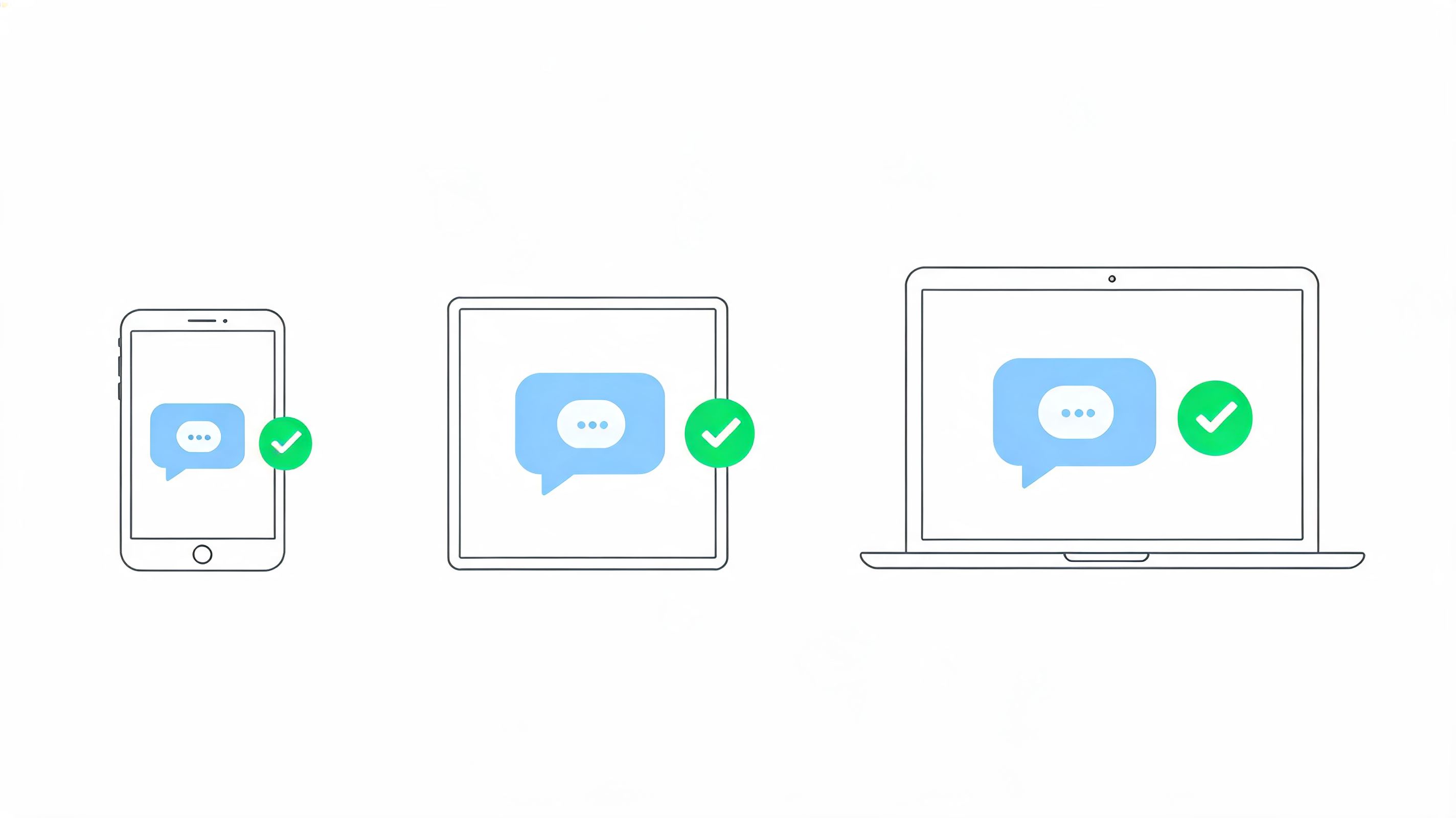
With human teams, inconsistency usually comes from memory gaps, uneven training, or outdated macros. With autonomous AI, the failure mode shifts. The bot responds every time, but it can repeat the wrong answer at scale if your product feed, policy logic, or knowledge base is weak. Speed stops being the hard part. Accuracy becomes the risk control layer.
That changes how founders should measure this KPI. The question is not just, "Did support answer?" It is, "Did the system answer correctly, consistently, and in a way that matches what operations can deliver?" In ecommerce, knowledge accuracy sits close to the cash register. Wrong sizing guidance increases returns. Wrong promo guidance cuts margin. Wrong shipping expectations create WISMO contacts and refund pressure.
The strongest setup uses one maintained source of truth tied to Shopify data, policy rules, and approved support content. AI performs well when the inputs are clean and current. If your catalogue says one thing, your FAQ says another, and your agents have a private workaround document, inconsistency is guaranteed.
How to audit it
Review a sample of conversations against the current source data, not against what "sounds right." I prefer a monthly audit with a smaller weekly spot check during promotions, launches, and policy changes, because those are the moments when bad answers spread fastest.
Check four areas:
- Product accuracy: sizing, materials, compatibility, care instructions, stock language
- Policy accuracy: returns window, exchanges, shipping cutoffs, refund rules, exclusions
- Commercial accuracy: prices, bundles, discount eligibility, subscription terms, thresholds
- Brand consistency: whether bot replies and human escalations match your approved tone and promises
One rule matters more than the rest. If the AI is uncertain, it should escalate or qualify the answer instead of guessing.
I’ve seen brands focus on deflection first and regret it later. A bot that contains more conversations but gives shaky answers does not reduce support cost. It shifts the cost into recontacts, refunds, and lost trust. Strong performance here looks boring from the outside, which is exactly the point. Customers get clear answers, humans only step in where judgment is needed, and the commercial promise stays aligned with fulfilment reality.
Top 10 Customer Service KPI Comparison
Turn Metrics into Momentum
Tracking kpis for customer service isn’t an academic exercise. It’s how a DTC brand decides whether support is draining margin or actively increasing revenue.
The old model judged support mostly by speed and backlog control. Those still matter, but they’re incomplete. In ecommerce, support sits directly inside the buying journey. It influences whether a shopper converts, whether they abandon a cart, whether they buy the better-fit product, and whether they come back after the first order.
That’s why the most useful KPI set is balanced. You need operational metrics like FRT, resolution rate, and cost per interaction. You also need commercial metrics like conversion improvement, cart recovery, and AOV attribution. And you need experience metrics like CSAT, CES, and knowledge accuracy to make sure efficiency isn’t coming at the expense of trust.
AI changes the shape of all of this. Once autonomous support handles routine conversations, some old measures become less useful on their own. Average handling pressure on agents matters less when human time is reserved for edge cases. Raw ticket counts matter less when the system is designed to deflect simple work. The smarter question becomes whether automation is resolving the right conversations, escalating the right ones, and improving the unit economics of support.
If you’re building your own dashboard, start with a small set you can act on every week. I’d prioritise FRT, resolution rate, CSAT split by AI versus human, cost per interaction, and one revenue KPI such as conversion rate improvement or cart recovery. That’s enough to show whether support is moving in the right direction without creating reporting clutter.
Then review transcripts alongside the numbers. Metrics tell you where the issue lives. Conversations tell you why.
If you need a broader framework for setting up measurement discipline, this guide to selecting and tracking key metrics is a useful complement.
Marvyn AI is one relevant option for Shopify brands because it’s built around autonomous support, AI First Contact Resolution, and ticket deflection. If your store relies on pre-purchase questions to drive sales, that kind of setup can make these KPIs easier to track and improve.
If you want to put these metrics to work inside your store, try Marvyn AI. It gives Shopify brands a free autonomous chatbot that can handle more than 70% of customer service, sync with product and policy data, and help turn support conversations into conversions.