8 Powerful Example of Auto Reply Templates for 2026
In the fast-paced world of ecommerce, your customers expect instant answers. A generic, robotic response no longer suffices. The right auto-reply is more than a simple confirmation; it’s a strategic tool that builds trust, solves problems, and even drives sales. A well-crafted example of auto reply can be the difference between a frustrated shopper and a loyal, repeat customer. It’s your first line of defence, your 24/7 sales assistant, and your brand's voice when your human team is offline.
This guide moves beyond basic templates to provide a strategic breakdown of the auto-replies that truly matter. We will dissect 8 essential examples, covering every critical touchpoint of the modern customer journey, from initial pre-sales enquiries and cart recovery prompts to complex return requests and order status updates. You will see precisely what makes each message effective and why it works.
Inside, you will find actionable templates you can copy, paste, and adapt for your own brand today. To make your auto-replies truly effective, consider utilising ready-made, adaptable excellent examples of customer service response templates for various situations, ensuring consistency and efficiency. We’ll also show you how to implement these automations with AI tools like Marvyn to handle over 70% of common customer service tickets. Prepare to transform your customer communication from a reactive chore into a proactive growth engine.
1. Instant Order Confirmation Auto-Reply
The instant order confirmation is the first and most critical post-purchase communication you send. This automated message is triggered immediately after a customer completes a checkout, serving as both a digital receipt and a powerful tool for building trust. It reassures the customer that their order was successfully received and paid for, setting clear expectations for what happens next.
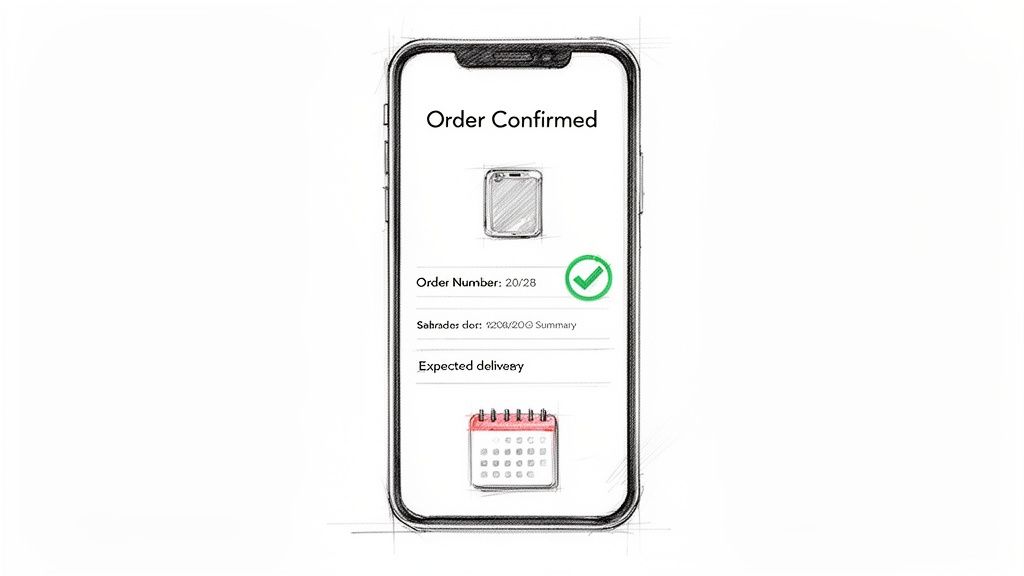
This type of auto-reply is a foundational element of any ecommerce operation, transforming a moment of potential buyer’s remorse into an opportunity for brand reinforcement. Brands like Glossier excel at this by infusing their confirmations with a warm, appreciative tone and branded visuals, making the transactional email feel like part of a premium experience. Similarly, Amazon's confirmations are a masterclass in function, providing all necessary details and a prominent tracking link upfront.
Strategic Breakdown
An effective order confirmation is more than just a list of purchased items. It's a strategic touchpoint that combines reassurance with engagement. To ensure your customers feel valued and informed right after purchase, mastering the intricacies of an effective email order confirmation is crucial.
- Reassurance and Clarity: Immediately confirm the order number, items purchased, total cost, and billing/shipping addresses. This simple act prevents customer anxiety and reduces "Where is my order?" enquiries.
- Brand Reinforcement: Use your brand’s colours, logo, and voice. A generic, unstyled email feels impersonal and can erode the trust you just earned.
- Expectation Setting: Clearly state what happens next. Provide an estimated delivery window or a link to your shipping policy. This proactive communication manages expectations and minimises future support tickets.
Key Insight: The order confirmation email has one of the highest open rates of any message you'll send. Don't waste this opportunity. Use it to reaffirm the customer’s purchase decision and guide them towards their next action, whether that’s tracking their parcel or joining your loyalty programme.
Actionable Takeaways for Marvyn AI
For stores using a tool like Marvyn AI, you can elevate this standard auto-reply.
- Personalise the Greeting: Use the customer’s first name (`{{customer.first_name}}`) to make the message feel personal.
- Highlight Key Details: Use bold formatting to draw attention to the Order Number and Estimated Delivery Date.
- Include Rich Product Images: Automatically pull in high-quality images of the items the customer just bought. Visuals reinforce their purchase and make the email more engaging.
- Promote Your Loyalty Programme: Add a small, branded section with a call-to-action, such as: "Earn 50 points on this order! Join our rewards club today." This is an excellent example of auto reply functionality that also drives retention.
2. Business Hours & Response Time Expectation Auto-Reply
This professional message is sent when customers contact support outside business hours, clearly communicating when they can expect a response. It is a crucial tool for managing customer expectations, preventing frustration from delayed replies, and maintaining a professional image even when you are not actively online.
This type of auto-reply is essential for solo founders, small teams, or any business that does not offer 24/7 human support. It acts as a digital receptionist, acknowledging the customer's query and providing a clear timeline for a personal follow-up. Brands like Basecamp are known for their friendly and human-toned out-of-office replies, while help desk software like Zendesk provides robust templates for this exact purpose, demonstrating its importance in modern customer service.
Strategic Breakdown
An effective out-of-hours message does more than just say "we're closed". It’s a strategic communication that builds trust by being transparent and helpful, even in your absence. This example of auto reply turns a potential point of friction into a moment of reassurance.
- Manage Expectations Proactively: State your business hours and the expected response time clearly. For instance, "Our team is available from 9 am to 5 pm GMT, Monday to Friday. We'll get back to you within one business day." This prevents customers from feeling ignored.
- Provide Immediate Value: Don't leave customers empty-handed. Link to your FAQ, help centre, or knowledge base. This empowers them to find answers on their own and can resolve their issue before a human agent even needs to step in.
- Maintain Brand Voice: Your auto-reply should still sound like your brand. A luxury brand's message will have a different tone from a playful, direct-to-consumer startup. Consistency in communication reinforces brand identity.
Key Insight: An out-of-hours auto-reply demonstrates respect for the customer's time. By acknowledging their message and setting a clear boundary, you show that their query is important and will be handled, which builds more trust than silence.
Actionable Takeaways for Marvyn AI
For businesses using a tool like Marvyn AI, this auto-reply can be made even more effective, serving as a first-line responder.
- Acknowledge and Thank: Start with a simple, polite message like, "Thanks for getting in touch, `{{customer.first_name}}`!"
- State Hours and Timelines Clearly: Use bold formatting for emphasis: "Our support team operates Mon-Fri, 9 am - 5 pm GMT. We’ve received your message and will respond within 24 business hours."
- Offer Self-Service Options: Add a section with helpful links. "In the meantime, you might find an instant answer in our Help Centre or on our FAQ page."
- Update Seasonally: Program your auto-reply to change during holidays or peak periods. A custom message for Christmas or a bank holiday shows you are organised and considerate of your customers' time.
3. Pre-Sales Product Question Auto-Reply with Routing
A pre-sales product question auto-reply is an intelligent response that instantly addresses customer inquiries before they buy. This automated message is triggered when a potential customer asks a question about a product via a chatbot or contact form. It either provides an immediate, accurate answer or intelligently routes complex questions to the correct human agent or department, ensuring no lead goes cold.
This type of auto-reply is essential for direct-to-consumer (DTC) brands where detailed product knowledge is a key driver of conversion. Warby Parker's bot expertly handles fit and size questions, while Allbirds automates responses to queries about materials and sustainability. AI-powered tools are particularly good at this, with platforms like Marvyn AI syncing with a store’s product catalogue to answer over 70% of pre-sales questions autonomously.
Strategic Breakdown
An effective pre-sales auto-reply does more than just answer a question; it acts as a virtual sales assistant, guiding customers toward a confident purchase. By offering instant, accurate information, you can remove buying friction at the most critical moment in the customer journey. Fine-tuning these interactions with well-crafted customer service scripts is vital for maintaining brand voice and accuracy.
- Instant Gratification: Customers expect immediate answers. An automated response that resolves their query in seconds can be the difference between a sale and a lost opportunity.
- Intelligent Routing: Not all questions can be automated. A smart system recognises when a query requires a human touch (e.g., a complex technical question or a customisation request) and routes it to the right team, preventing customer frustration.
- Sales Conversion: By resolving doubts about size, materials, compatibility, or features on the spot, you directly address purchase barriers and increase the likelihood of conversion. This is a prime example of auto reply functionality that directly impacts revenue.
Key Insight: Pre-sales questions are strong buying signals. Failing to answer them quickly and accurately is like leaving money on the table. Automating the initial response ensures every inquiry receives attention, capturing sales that might otherwise be lost to competitors.
Actionable Takeaways for Marvyn AI
For stores using an AI tool like Marvyn AI, you can build a highly effective pre-sales support system.
- Sync Your Product Catalogue: Automatically sync your entire Shopify catalogue so the AI has up-to-date information on every product, variant, and inventory level.
- Train on Brand Voice: Feed the AI your brand guidelines and past support conversations to ensure its answers match your unique tone and positioning.
- Analyse and Improve: Regularly review the questions that get escalated to human agents. Use these insights to update your product FAQs and improve the AI's training data.
- Offer Comparisons: For high-consideration items, configure the AI to offer product comparisons. For example, "Model X is lighter and better for travel, while Model Y offers more power. Which is more important for you?"
4. Shipping & Delivery Status Auto-Reply
Once an order is on its way, the customer's focus shifts entirely to delivery. The shipping and delivery status auto-reply is a proactive communication that automatically informs customers their order has been dispatched. This message answers the single most common post-purchase question: "Where is my order?" by providing tracking numbers, carrier details, and estimated delivery dates.
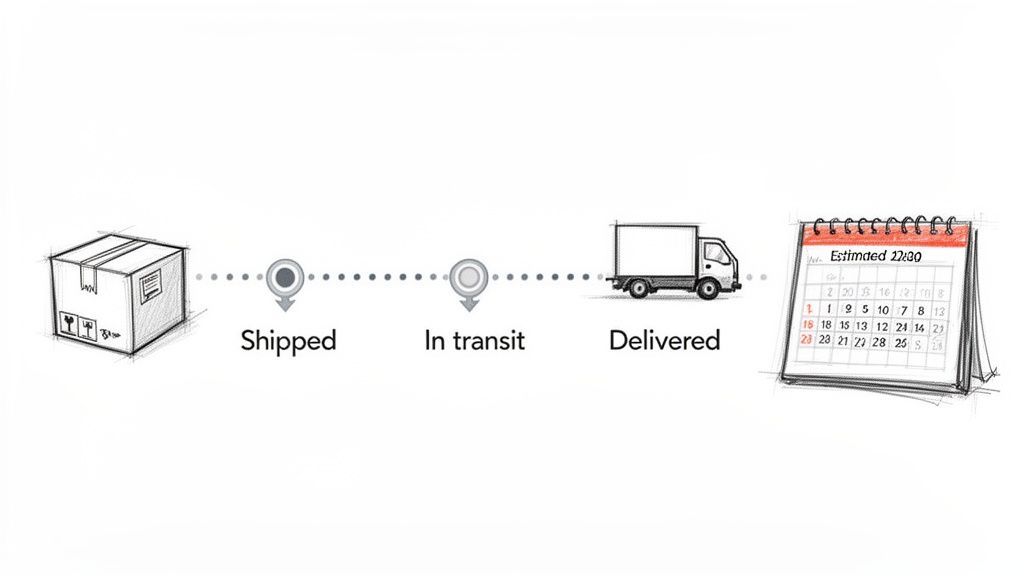
This automated message is a core function for any online store, significantly reducing the burden on customer support teams. Amazon's real-time tracking updates are a prime example, offering a detailed journey of the parcel from warehouse to doorstep. Similarly, Allbirds provides transparent shipping windows and clear communication, managing expectations effectively and building customer confidence even before the package arrives.
Strategic Breakdown
An effective shipping notification goes beyond just a tracking number; it's a critical tool for managing the customer experience during the often-anxious waiting period. It turns a logistical update into a reassuring touchpoint. Analysing various chat bot examples shows that proactive shipping updates are a top driver of customer satisfaction.
- Proactive Information Delivery: Don’t wait for the customer to ask. Send the tracking link and estimated delivery date as soon as the shipping label is created. This simple action demonstrates professionalism and care.
- Centralised Tracking: Provide a direct link to the carrier’s tracking page or, even better, a branded tracking page on your own site. This keeps the customer within your brand ecosystem.
- Mitigate Anxiety: For international shipments, proactively mention the possibility of customs delays. Acknowledging potential issues upfront prevents frustration later on.
Key Insight: Every time a customer has to contact you to ask "Where is my order?", it represents a failure in proactive communication. A clear and timely shipping auto-reply is the best example of auto reply functionality that directly reduces support ticket volume and improves the post-purchase experience.
Actionable Takeaways for Marvyn AI
With a tool like Marvyn AI, you can make these shipping updates even more powerful and helpful.
- Sync Real-Time Data: Integrate with carrier APIs to automatically pull the latest `{{shipping.status}}` and display it directly within the chatbot or email.
- Provide Instant Policy Answers: Sync your shipping policy with Marvyn AI. When a customer asks, "How long does delivery take?" or "What are the shipping costs?", the AI can provide instant, accurate answers based on your store's specific rules.
- Offer Automated Solutions for Delays: Set up a rule where if a delivery is delayed beyond a certain timeframe, the system automatically offers the customer a small discount coupon or free shipping on their next order as a gesture of goodwill.
- Include Returns Information: Add a small section to the shipping confirmation that links to your returns policy, such as: "Changed your mind? Our return process is simple. Learn more here." This anticipates future customer needs.
5. Return, Refund & Exchange Request Auto-Reply
A return, refund, or exchange request auto-reply is a crucial automated message sent immediately after a customer initiates a post-purchase inquiry. This message acknowledges their request, confirms that it has been received, and outlines the next steps in the process. It serves as the first line of defence in managing a potentially negative experience, turning it into a structured and reassuring interaction.
This type of automated response is fundamental for maintaining customer trust during a sensitive journey. Brands like Zappos built their reputation on hassle-free, no-questions-asked returns, supported by clear communication. Similarly, Everlane provides transparent instructions and timelines, managing customer expectations effectively. A well-crafted return auto-reply reduces customer anxiety and prevents the support queue from overflowing with follow-up questions.
Strategic Breakdown
An effective return request confirmation does more than just say "we got your message". It is a strategic tool for process management and customer retention. By providing immediate clarity and guidance, you control the narrative and demonstrate your commitment to customer satisfaction.
- Acknowledge and Empathise: Instantly confirm receipt of the request. A simple "We're sorry to hear this wasn't a perfect fit" can show empathy and start the process on a positive note.
- Set Clear Expectations: Clearly state the return policy highlights, such as the timeframe for processing, how to send the item back, and when to expect a refund or exchange. This transparency is a prime example of auto reply best practice.
- Provide Next Steps: Guide the customer with step-by-step instructions. Include a link to a returns portal, attach a pre-filled return label, or explain exactly what information they need to provide next.
Key Insight: The returns process is a moment of truth for your brand. A confusing, slow, or difficult process can lose a customer forever. An automated, clear, and efficient auto-reply transforms this friction point into a demonstration of your excellent service, increasing the likelihood of future purchases.
Actionable Takeaways for Marvyn AI
For stores using a tool like Marvyn AI, you can automate and personalise the returns experience significantly.
- Confirm Request Details: Use merge tags to confirm the specific order (`{{order.number}}`) and items (`{{return.items}}`) being returned to show the customer you have the correct information.
- Segment and Guide: Create different auto-reply flows based on the request type. If a customer selects "Exchange," the message can highlight available stock and the speed of an exchange versus a refund.
- Attach Return Labels Automatically: Configure the system to generate and attach a pre-filled return shipping label directly to the auto-reply email, removing a major point of friction.
- Gather Feedback: Include a simple, one-click question in the email, such as: "What was the reason for your return?" Use this data to identify product quality issues or sizing problems.
6. FAQ & Self-Service Resource Auto-Reply
An intelligent FAQ auto-reply acts as your first line of defence, instantly resolving common customer queries without human intervention. This automated response is triggered when a customer asks a question, using keyword recognition to identify the topic and provide links to relevant help articles, video tutorials, or specific FAQ sections. It empowers customers with immediate answers while reducing the burden on your support team.
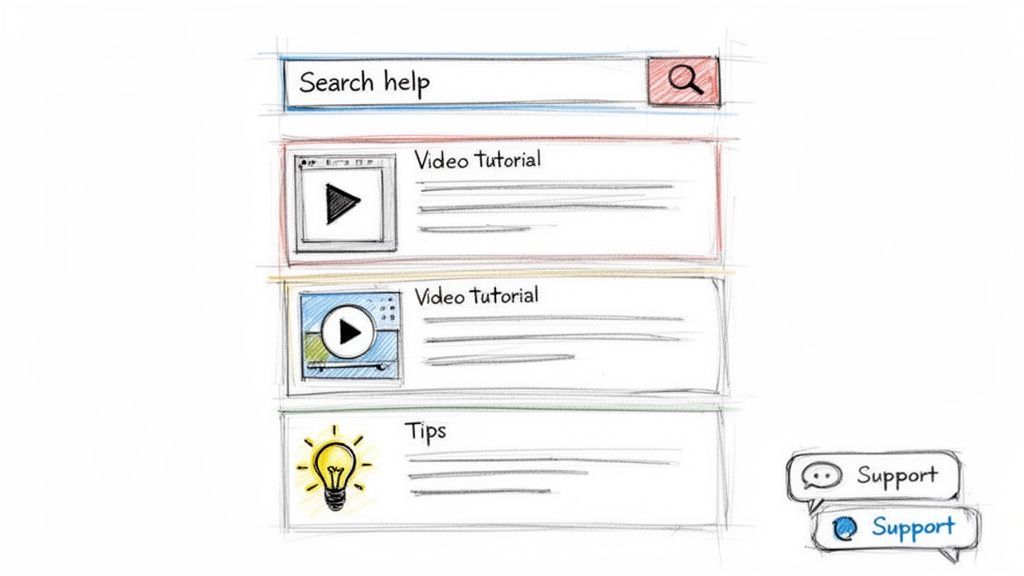
This proactive approach to support transforms a simple query into a self-service success story. Companies like Stripe and Shopify are masters of this, building extensive knowledge bases that their auto-replies can draw from. When a user asks about "refunds" or "shipping times," the system immediately directs them to the exact resource, providing a better, faster experience than waiting in a support queue.
Strategic Breakdown
An effective FAQ auto-reply is not just about deflecting tickets; it's about providing instant value and building customer confidence. To make this work, your knowledge base must be well-organised and your auto-reply system intelligent enough to connect questions to answers. Understanding the principles of automation in customer service is key to designing a system that genuinely helps rather than frustrates.
- Instant Gratification: Customers want answers now. By automatically suggesting relevant articles, you solve their problem on the spot, improving satisfaction and preventing them from abandoning their cart or purchase.
- Ticket Deflection: Every query solved by an auto-reply is one less ticket for your support team. This frees up agents to focus on complex, high-value issues that require a human touch.
- Data-Driven Insights: Track which questions are asked most frequently and which articles successfully resolve issues. This data is invaluable for identifying gaps in your documentation or recurring problems with your product or service.
Key Insight: A customer who successfully finds an answer on their own feels empowered and capable. This positive self-service experience builds brand affinity just as much as a great conversation with a support agent, but at a fraction of the cost.
Actionable Takeaways for Marvyn AI
For merchants using Marvyn AI, you can train the system on your own content to deliver highly accurate, contextual responses.
- Train on Real Data: Build your FAQ and knowledge base by analysing actual support tickets. Identify the top 10-20 most common questions and create detailed resources for each.
- Use Keyword Triggers: Set up rules where keywords like "return policy," "shipping cost," or "how to use" trigger an auto-reply pointing to the specific help article.
- Offer an Escape Hatch: Always include a clear option to speak to a human agent, such as "Did this help? If not, you can Talk to our team." This prevents customer frustration if the automated answer isn't quite right.
- Incorporate Video: For complex processes, link to short video tutorials within the auto-reply. This is an excellent example of auto reply functionality that caters to different learning styles and resolves issues more effectively.
7. Promotional & Re-engagement Auto-Reply
A promotional or re-engagement auto-reply is a strategic message triggered by specific customer behaviours, such as signing up for a newsletter, abandoning a cart, or prolonged inactivity. Instead of waiting for a manual campaign, this automated response delivers personalised offers, discounts, or relevant product recommendations to nudge customers towards a purchase or bring them back to your store.
This type of auto-reply is crucial for maximising customer lifetime value and recovering potentially lost sales. Brands like Sephora use it effectively to send VIP-exclusive offers to loyal members, making them feel valued. Similarly, H&M’s browse history re-engagement campaigns remind shoppers of items they viewed, keeping the brand top-of-mind and encouraging a return visit.
Strategic Breakdown
An effective re-engagement message is a delicate balance of incentive and subtlety. It needs to provide value without feeling desperate or intrusive. The goal is to reignite interest by showing you understand the customer’s needs and preferences, making it a powerful example of auto reply functionality that directly impacts revenue.
- Behaviour-Based Triggers: The message’s power comes from its context. Triggering an offer after a cart is abandoned is timely and relevant, while sending new arrivals based on past browsing history shows you’re paying attention.
- Segmentation and Personalisation: Group your audience by purchase history, browsing behaviour, or customer value. A first-time browser should receive a different message than a lapsed VIP customer.
- Value-Driven Incentives: The offer must be compelling enough to spark action. This could be a percentage discount, free shipping, a free gift, or exclusive access to new products.
Key Insight: Don’t treat all inactive customers the same. A customer who last purchased 90 days ago may need a stronger incentive (e.g., 20% off) than someone who simply abandoned their cart an hour ago (e.g., free shipping). Tailor the offer to the level of disengagement.
Actionable Takeaways for Marvyn AI
For stores using Marvyn AI, you can automate these promotional nudges within a live chat or email sequence.
- Trigger by Chat Behaviour: If a user asks about a product category but doesn't add anything to their cart, Marvyn can be configured to follow up with: "Still thinking about it? Here’s a 10% discount on your first order to help you decide."
- Recommend Based on History: Use customer data to power recommendations. Marvyn can pull `{{customer.lastviewedproduct}}` and suggest similar items or accessories that complement their browsing history.
- A/B Test Your Offers: Set up two different automated responses. One can offer a 15% discount, while the other offers Free UK Shipping. Analyse which one drives a higher conversion rate for different customer segments.
- Incorporate Social Proof: When recommending a product, include a high-star review or a "Bestseller" tag. For example: "Lots of customers love our Merino Wool Jumper! ★★★★★ 'So soft and warm!'" This adds a layer of trust to the recommendation.
8. Escalation & Complex Issue Hand-off Auto-Reply
Not every query can be solved by an automated system. The escalation and complex issue hand-off auto-reply is a vital message that gracefully transitions a customer from an AI or chatbot to a human agent. It is triggered when a conversation reaches a complexity that requires specialised knowledge or direct human intervention, such as a payment dispute or a compromised account.
This auto-reply serves as a crucial bridge between automated efficiency and human empathy. It manages expectations by transparently explaining why the issue is being escalated and what the customer can expect next, preventing frustration and reassuring them that their problem is being taken seriously. This is an essential example of auto reply functionality for maintaining customer trust during high-stakes interactions.
Brands like Intercom and Slack master this by making the transition feel seamless. Intercom’s bots will clearly state, "I'm connecting you with a specialist who can help with that," while Shopify's tiered support system effectively routes complex merchant issues to the right expert. The goal is to make the hand-off feel like a natural, helpful next step, not a system failure.
Strategic Breakdown
An effective escalation message is a carefully constructed communication that acknowledges the system's limits while demonstrating the brand's commitment to resolution. It turns a potential point of friction into an opportunity to showcase robust, customer-centric support processes.
- Acknowledge and Validate: The message must first acknowledge the customer's problem and validate its complexity. A simple phrase like, "It looks like this issue needs a specialist's attention," shows the system understands the query's importance.
- Explain the 'Why': Briefly explain why the escalation is happening. For instance, "For security reasons, all payment issues are handled directly by our finance team." This transparency builds trust and helps the customer understand the process.
- Set Clear Expectations: Provide a clear timeline and explain the next steps. Inform the customer who will be in touch and when, such as, "A member of our technical support team will reply to this ticket within the next 2-4 business hours." This prevents the customer from feeling abandoned.
Key Insight: The success of an escalation auto-reply lies in its ability to maintain momentum. The customer has already invested time explaining their issue; the hand-off must feel like progress, not a reset. Never leave a customer in a void, always confirm the hand-off is complete and a human is now responsible.
Actionable Takeaways for Marvyn AI
With Marvyn AI, you can configure smart escalation triggers to make this process even smoother.
- Define Clear Triggers: Set up rules that automatically escalate conversations containing keywords like "fraud," "refund dispute," or "account hacked."
- Route to the Correct Department: Use Marvyn AI's routing capabilities to assign the ticket to the appropriate team (e.g., Sales, Fulfilment, Technical Support) directly from the chatbot interface.
- Personalise the Hand-off: The auto-reply can include the customer's name and reference their specific issue. For example: "Hi `{{customer.first_name}}`, I've passed your query about Order #{{order.number}} to our shipping specialists."
- Confirm and Follow-up: Program Marvyn AI to send a confirmation that the ticket was successfully created and assigned. You can also use it to check in later and confirm the issue was resolved, closing the loop and gathering feedback on the support experience.
Comparison of 8 Auto-Reply Examples
From Auto-Reply to Autonomous Growth: Your Next Steps
Throughout this guide, we have moved beyond simply listing an example of auto reply and instead deconstructed the strategic architecture behind effective automated messaging. We’ve analysed everything from instant order confirmations that build post-purchase confidence to sophisticated pre-sales replies that guide customers towards the right product. The core principle weaving through each example is that automation, when implemented thoughtfully, serves human connection rather than replacing it. It’s a tool for creating operational space, allowing your team to escape the grind of repetitive queries and focus on conversations that truly matter.
The journey from a reactive support desk to a proactive growth engine begins with these foundational automations. By strategically deploying auto-replies for order tracking, returns, and frequently asked questions, you build a customer experience defined by transparency and immediate support. This isn’t just about reducing ticket volume; it’s about demonstrating respect for your customer’s time and establishing a baseline of trust that encourages repeat business.
Key Takeaways for Immediate Action
To turn the insights from this article into tangible results, focus on these critical actions. This isn’t a theoretical exercise; it’s a practical roadmap for improving your customer communication today.
- Audit and Identify Gaps: Review your current customer support interactions. Where are the bottlenecks? Identify the top 3-5 repetitive questions your team answers daily. These are your prime candidates for automation.
- Prioritise by Impact: Start with the automations that will have the biggest immediate impact. For most ecommerce stores, this means nailing the order status and shipping information auto-replies first, as these often constitute the largest share of support queries.
- Segment and Personalise: A generic auto-reply is a missed opportunity. Use the data you have, whether it's the customer's name, order number, or the specific product they are asking about, to make your automated messages feel personal and relevant. Even a small touch of personalisation can significantly improve customer perception.
- Establish Clear Escalation Paths: Every automated workflow must have a clear and simple "escape hatch." Ensure that customers who need to speak with a human can do so without frustration. An auto-reply that traps a customer in a loop is worse than no reply at all.
The Shift from Responsive to Proactive
Mastering the art of the auto-reply is the first step towards a much larger strategic advantage: autonomous commerce. It represents a fundamental shift in mindset. Instead of waiting for a customer to ask a question, you anticipate their needs and provide the answer before they even have to type.
Strategic Insight: A well-crafted auto-reply system acts as a 24/7 brand ambassador. It manages expectations around response times, guides shoppers through your catalogue, recovers potentially lost sales from abandoned carts, and handles post-purchase logistics with precision.
This proactive stance builds a powerful flywheel of customer satisfaction and operational efficiency. Happier customers, who get instant answers, are more likely to complete their purchase and return in the future. Simultaneously, a support team freed from monotonous tasks can dedicate its energy to complex problem-solving, building community, and gathering customer feedback to fuel product development.
Your next steps are clear. Take the templates and strategic frameworks we've discussed and adapt them to your brand's unique voice and customer journey. Start small, measure the impact on your ticket volume and customer satisfaction scores, and then expand. By implementing even a few of these examples, you are not just setting up an example of auto reply; you are building a more resilient, efficient, and customer-centric business.
Ready to move from basic auto-replies to a fully autonomous sales and support agent? Marvyn AI integrates with your Shopify store in minutes, learning your products, policies, and brand voice to resolve over 70% of customer conversations automatically. Explore how Marvyn AI can turn every customer interaction into a growth opportunity, 24/7 and in over 80 languages.