Apps for Live Chat: A 2026 Guide for Shopify Stores

If you're runing a Shopify store, live chat usually becomes urgent before it becomes planned. One week you're answering a few emails about shipping and sizing. The next, you're juggling Instagram DMs, order updates, returns questions, and pre-purchase hesitations that arrive right when someone is about to buy.
Most founders treat that chaos as a customer service problem. It isn't only that. It's also a sales problem. Every delayed answer leaves a shopper alone at the point of decision.
What Are Live Chat Apps and Why Do They Matter
Apps for live chat are often described as support tools, but that's too narrow. In practice, they act like a digital sales assistant sitting inside your store, available while a shopper is browsing, comparing, hesitating, or trying to justify the purchase.
That matters because most Shopify stores don't lose sales only on product quality or price. They lose sales in the gaps between interest and clarity. A customer wants to know whether a dress runs small, whether a supplement suits a routine, whether shipping will arrive before the weekend, or whether two variants are materially different. If nobody answers quickly, the customer leaves.
From inbox overflow to guided buying
A lot of early-stage stores run support manually. The founder answers Gmail, checks comments, replies in Shopify Inbox, and repeats the same answers every day. That works at very low volume. It breaks as soon as paid traffic rises or catalogue complexity increases.
A good live chat app changes the job in two ways:
- It captures buying intent: when someone asks a pre-sales question, the app can respond in the buying moment rather than hours later.
- It removes repetitive support work: common queries about delivery, returns, stock, and product details stop consuming the same human attention.
- It keeps the shop open conversationally: your site stops being a static catalogue and starts behaving more like a staffed store.
For a practical overview of how this works on site, this guide to live chat on a website is useful.
What modern live chat apps actually do
Older chat widgets were basically contact forms with a typing indicator. Modern ones are broader. Depending on the app, they can answer FAQs, pull from product pages, route conversations to a person, recommend products, and continue conversations across channels.
Practical rule: If your chat tool only collects messages after hours, you haven't deployed a sales assistant. You've deployed a prettier support inbox.
Value isn't in the widget itself. It's the operating model behind it. Some apps are built to help a support team work faster. Others are built to handle the conversation themselves unless a human is needed. That split matters more than most feature checklists.
How Live Chat Drives Revenue and Customer Loyalty
The simplest business case for live chat is this. It answers the question that's blocking the order.
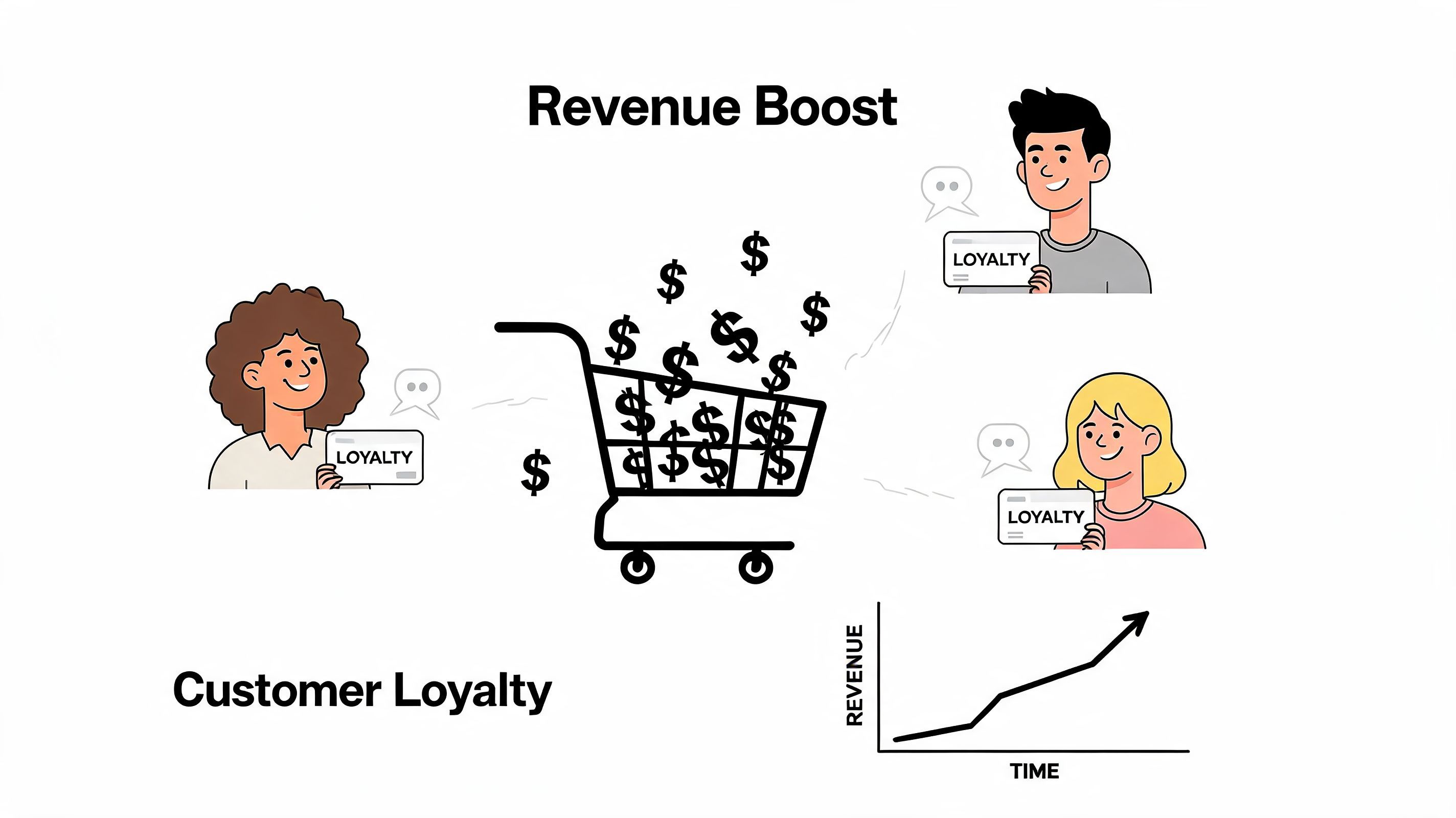
A UK survey by Econsultancy found that 73% of UK shoppers abandon carts due to unanswered queries, while stores using live chat apps see a 25% reduction in abandonment rates. The same set of statistics also notes that live chat can reduce support costs by 30 to 50%, which is why these tools increasingly sit inside the growth stack rather than the support stack alone, according to Provide Support's live chat statistics.
Revenue comes from timing, not just answers
When someone asks, "What's the difference between these two bundles?" they're not opening a ticket. They're standing at the shelf with their card half out.
That's why live chat often performs more like assisted selling than customer service. It shortens hesitation. It reduces the risk of a customer opening a new tab to "check later". It also creates chances to recommend a better-fit product, a larger pack size, or a complementary item.
Here's the commercial logic in plain terms:
Loyalty starts with competence
Stores often talk about loyalty as if it's mostly a post-purchase email issue. It isn't. Loyalty starts earlier. A customer remembers whether the brand felt organised when they needed help.
Fast, useful chat makes the brand feel present. It tells the shopper someone has thought through common concerns. That lowers friction on the first order and makes a second order more likely because the experience feels dependable.
Good live chat doesn't just answer faster. It makes the brand feel easier to buy from.
If you're also working on broader growth systems around retention, paid acquisition, and customer journey design, Market With Boost for brand scaling is a helpful companion read because chat works best when it's tied to the rest of the commercial funnel.
Cost matters too
The support-cost angle is easy to underestimate. Repetitive queries absorb founder time, team time, and agency time. Even when the answers are simple, the interruption cost is high. A solid chat setup reduces that drag and lets humans spend their attention on exceptions, VIP customers, and complex issues.
That is why the strongest stores don't treat live chat as a nice add-on. They treat it as a conversion layer.
The Two Philosophies of Modern Live Chat Apps
Most comparisons of apps for live chat get stuck on surface features. Does it have canned replies? Does it support AI? Can it hand off to email? Those questions matter, but they miss the strategic decision.
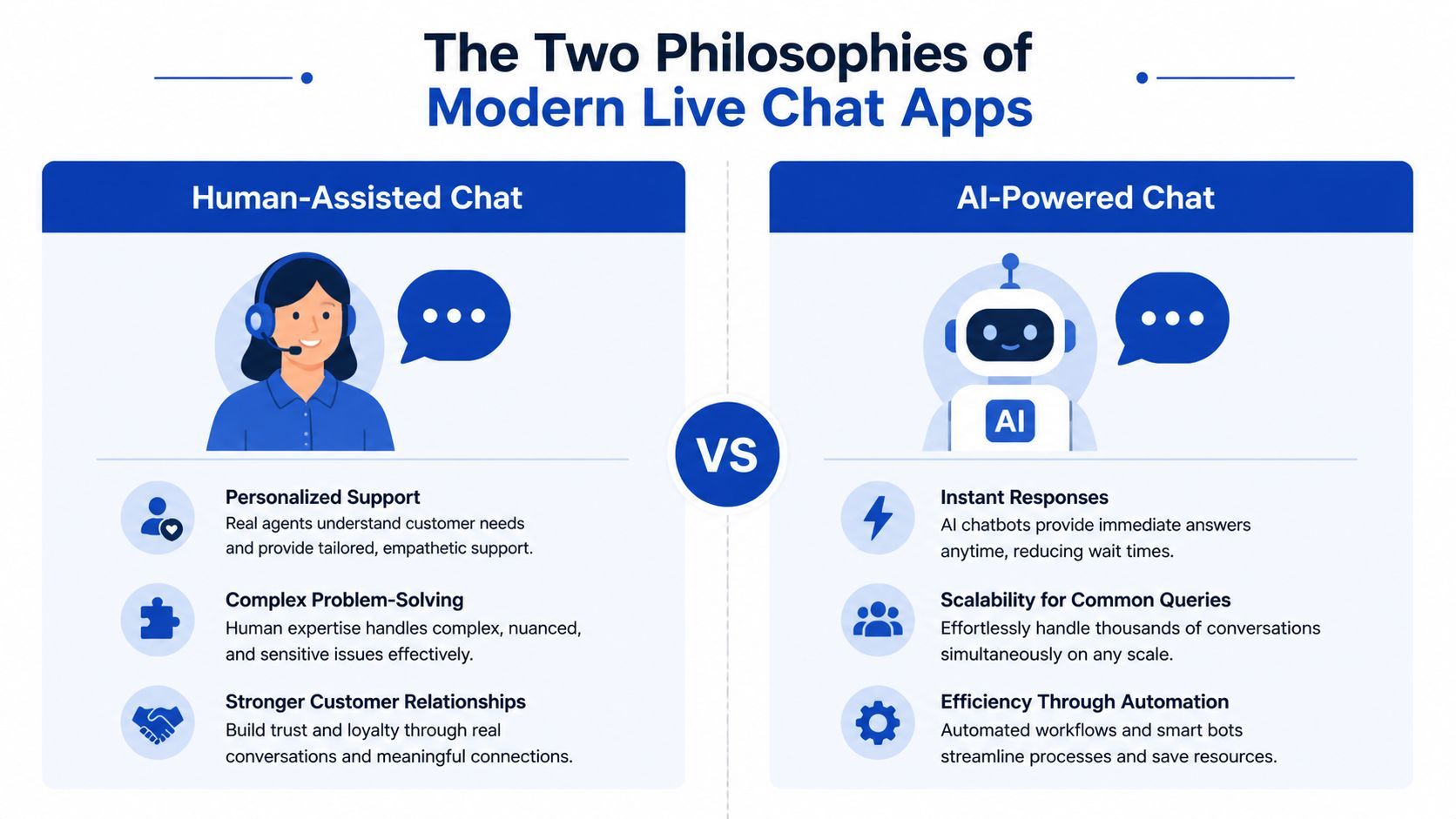
There are really two philosophies in this category. One philosophy says chat should make humans more efficient. The other says chat should complete most conversations without needing humans at all.
Human-assisted apps
Human-assisted tools are built around the team. The software helps agents answer faster, stay organised, and manage a queue. In Shopify, this often suits brands already running support coverage during business hours or brands with customer service staff who also handle social and email.
Apps in this camp usually focus on things like:
- Shared inbox workflows: multiple people can see, assign, and answer conversations
- Macros and templates: agents avoid rewriting the same shipping or returns replies
- Escalation and routing: conversations go to the right person based on topic
- Agent visibility: managers can review quality, backlog, and handling patterns
This model is strong when your store sells products that generate nuanced conversations, policy exceptions, or relationship-heavy service. If your support team is part of the brand experience, human-assisted chat preserves that.
The downside is operational. The app doesn't remove the need for coverage. It mainly improves how the work is handled.
Fully autonomous apps
Autonomous chat systems start from a different premise. They assume the store wants software to answer the majority of routine and pre-sales conversations on its own. The goal isn't to support the team more efficiently. The goal is to reduce how often the team is needed at all.
That changes what matters. Deep catalogue sync becomes more important than agent seats. Response consistency matters more than queue views. Training on your policies, FAQs, collections, and product pages becomes central because the app needs enough business context to carry the conversation properly.
A strong autonomous setup should be able to do the following without sounding detached:
- recognise what the shopper is asking,
- pull the right answer from store content,
- guide the shopper to the right product or next action,
- pass the conversation to a human only when the issue actually requires judgement.
The key question isn't "Does this app have AI?" The key question is "Do you want AI assisting your staff, or acting as frontline staff?"
For merchants evaluating the autonomous route, this overview of the best AI chat bot options is a good starting point.
The catalogue sync test
If I had to use one test to separate serious e-commerce chat tools from generic ones, it would be catalogue sync.
A live chat app that doesn't understand products well will answer like a receptionist. It may be polite, but it won't sell. A system that pulls from titles, collections, policies, and on-site content can behave more like a retail associate. It can narrow options, explain differences, and reduce the need for a customer to browse blindly.
Which philosophy works better
Neither model is universally better. It depends on the business.
This is why choosing a live chat app is really a business model decision. You're deciding whether chat is a tool for operators or a layer of labour.
Choosing the Right App for Your Business Profile
The wrong way to buy apps for live chat is to compare feature grids in isolation. The better way is to match the tool to the business you're running.
The bootstrapped solo founder
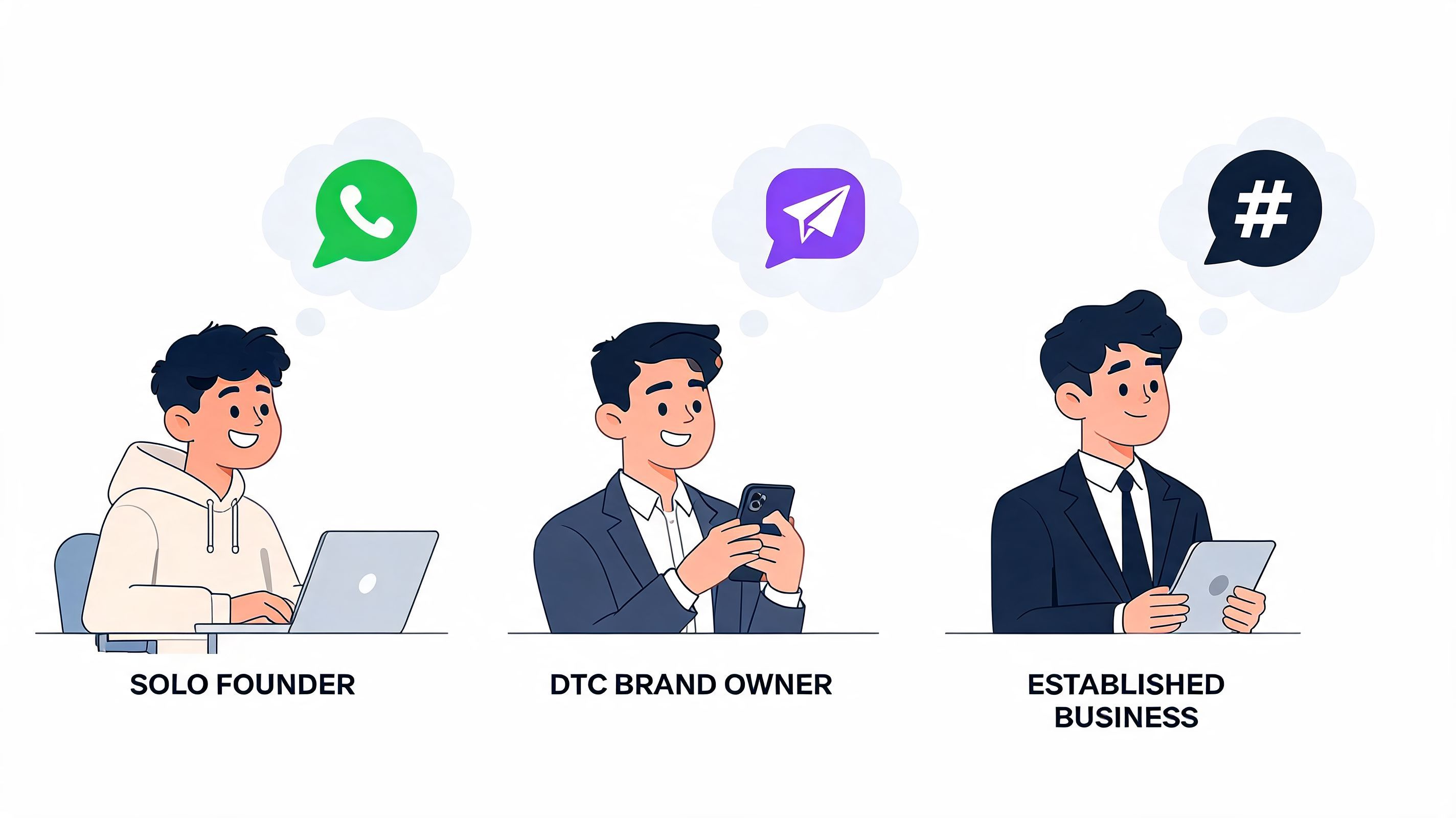
This merchant is doing a bit of everything. They run ads, approve creatives, pack orders, answer support, and still need the site to convert after hours. For this profile, a human-assisted app often adds one more dashboard without solving the underlying problem. There isn't a real team to assist.
A fully autonomous tool usually makes more sense because it can absorb repetitive support and pre-sales questions without needing shifts, handovers, or another hire. In this category, options differ a lot in setup depth. Some act like generic bots. Others are built around commerce data. Marvyn AI is one example of the latter. It offers a one-click Shopify install, syncs store content including products and policies, and is designed to answer and guide shoppers without requiring a full support team.
A founder in this position should value:
- Low maintenance: if the setup requires constant babysitting, it won't stick
- Strong product understanding: because most questions are really buying questions
- Smart escalation: so unusual cases can still reach a person when needed
The growing DTC brand with a small team
Now, the decision gets more interesting. You probably have some support capacity already. Maybe one operations manager, one CX lead, or a rotating team handling inboxes. Here, either philosophy can work.
Human-assisted chat works well if your team already provides a strong service experience and you mainly need better organisation. Autonomous chat works well if ticket volume is rising faster than headcount and you don't want every increase in traffic to force another hiring decision.
A useful way to think about it is this:
Brands at this stage should also review the wider stack. A store's support model is partly shaped by checkout flow, catalogue structure, and platform flexibility. If you're reassessing broader ecommerce platform options for growth, that context affects which chat approach will fit cleanly.
After you've chosen your philosophy, it helps to compare how customer support tools differ operationally. This breakdown of Freshdesk vs Zendesk for support teams is useful if you're leaning towards more traditional service workflows.
A quick walkthrough helps here:
The high-ticket retailer
If you sell furniture, premium skincare routines, specialist equipment, jewellery, or any product where pre-sales confidence matters, chat quality has outsized impact. Customers don't just ask if something is available. They ask whether it's right for them.
In these stores, a pure FAQ bot often underperforms because the conversation needs guidance, not just answers. A human-assisted setup can work well if trained sales staff are available. An autonomous setup can also work if it is strong at consultative dialogue and knows when to pass the customer to a person.
For high-ticket stores, the goal isn't just reducing tickets. It's reproducing the best parts of an in-store sales conversation online.
That is why "which app is best?" is usually the wrong question. The better one is "what kind of labour model do I want inside my storefront?"
Implementation and Advanced Optimisation Steps
Installing a live chat app is easy. Training it to help customers buy is the real work.
Many stores stop at visual setup. They match the widget colour, write a welcome message, and call it done. That creates a neat box in the corner, but not a useful commercial asset.
Start with the business inputs
Treat the app like a new employee. It can't perform well if you haven't given it the basic information your best support or sales person already knows.
Start with these inputs:
- Policies and operational facts
Upload or connect shipping, returns, delivery, warranty, and contact information. Most routine queries come from operational uncertainty.
- Product knowledge
Make sure the app can access product pages, collections, sizing details, ingredients, materials, compatibility notes, and common comparison points.
- Brand voice
Decide whether the chat should sound warm, concise, premium, technical, playful, or highly direct. If you don't define tone, many tools default to generic assistant language.
- Escalation rules
Set clear boundaries. Refund disputes, damaged orders, account issues, and unusual exceptions should move to a person cleanly.
For merchants planning this more broadly, this guide to Shopify chat support setup covers the operational side well.
Build for selling, not just deflection
A lot of stores accidentally train chat to be a defensive support wall. It answers policy questions and blocks access to humans. That saves some time, but it doesn't improve the storefront much.
A better setup teaches the app how to guide the customer:
- Ask narrowing questions: budget, use case, size, skin type, gift intent
- Recommend next steps: not just "see our collection", but the most relevant collection or product type
- Handle objections: shipping timing, fit uncertainty, return reassurance
- Bridge to checkout: give links and confidence, not just information
An effective live chat app should reduce friction and add direction. If it only does one, it won't reach its full value.
Extend chat beyond the website
That matters because customers don't experience channels the way merchants do. They don't think, "This is a website query and this is a messaging query." They just want to continue the conversation where it's convenient.
For practical optimisation, that means:
- Keep responses consistent across web chat and messaging
- Use WhatsApp for warmer, ongoing buying conversations
- Make sure handoffs don't lose context
- Review which questions begin on site but finish on mobile
If you're planning wider automation around retention and conversion, these AI-powered marketing strategies for 2026 add useful context because chat works best when it shares intent signals with the rest of your marketing operations.
Review transcripts like a merchandiser
Chat logs are not just support records. They're merchandising data.
If shoppers repeatedly ask whether two products are different, your product pages may be weak. If they keep asking about delivery cutoffs, that information may be buried. If they ask for products by need state instead of collection names, your navigation may reflect internal logic rather than customer logic.
The stores that get the most from live chat don't just answer conversations. They use conversations to improve the shop.
Measuring Success and Avoiding Common Pitfalls
Many merchants judge live chat too loosely. They say it feels busy, customers seem to like it, or the team says it's helping. Those signals matter, but they don't tell you whether the app is improving the business.
The cleanest approach is to measure chat against commercial and operational outcomes at the same time.
What to track first
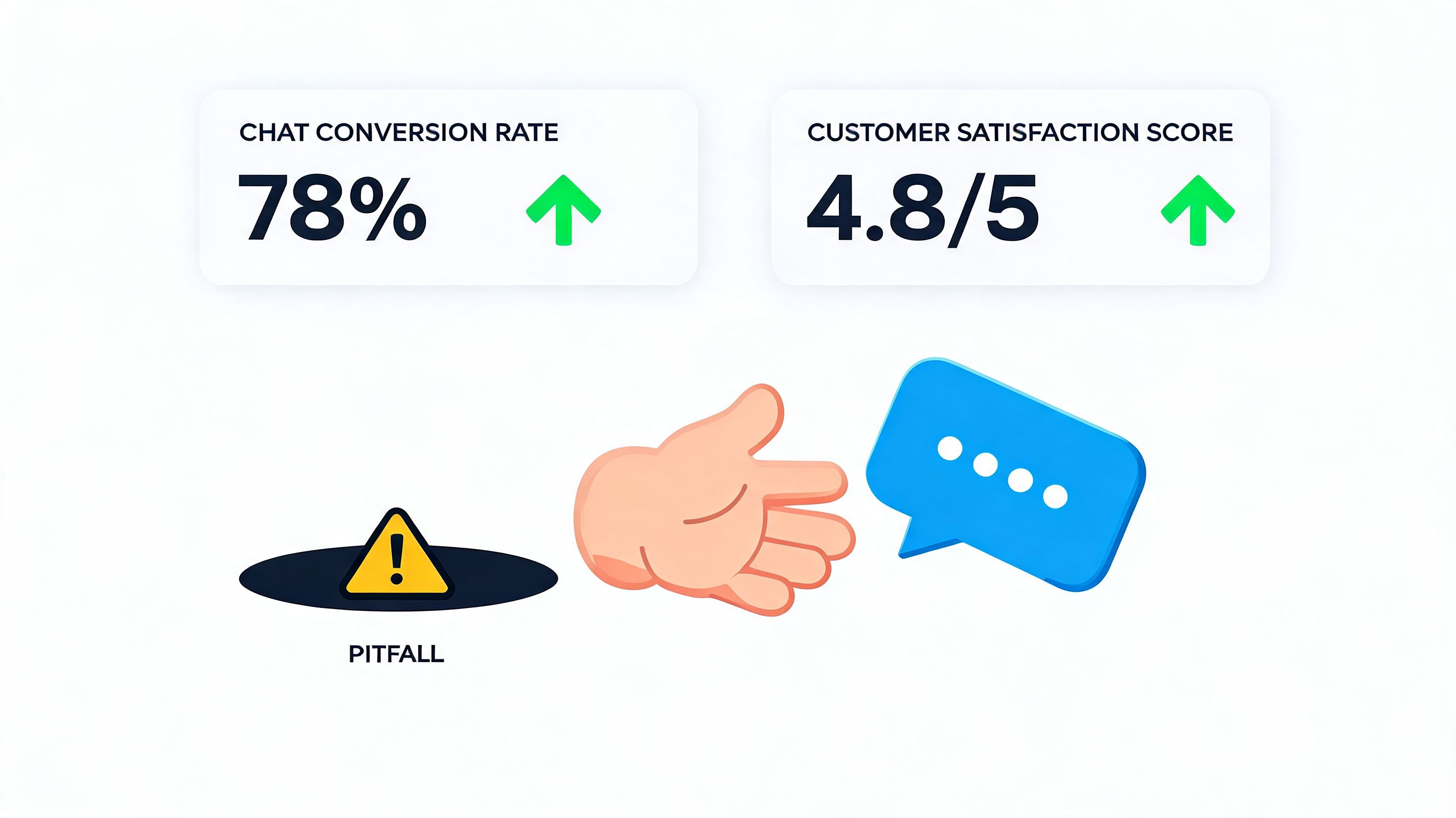
Start with a small scorecard. Don't overbuild this.
If your app includes analytics, use them. If it doesn't, review transcripts manually at first. You don't need perfect instrumentation on day one. You need a consistent habit of checking whether chat is reducing friction or just moving it around.
For merchants improving team responsiveness, this guide to response time monitoring in support is a practical reference.
The compliance risk most stores ignore
One of the biggest mistakes with apps for live chat isn't conversational. It's regulatory.
A 2025 UK ICO report found that 68% of e-commerce sites using live chat failed GDPR compliance checks due to inadequate transparency on data processing, while only 12% stored data in UK/EU servers despite 92% of UK consumers demanding local data storage, according to this summary on live chat compliance and alternatives.
That should affect how you evaluate any tool. Before you install one, check how it handles transcript storage, privacy disclosures, retention settings, and server location. If the app makes those details hard to understand, that's already useful information.
Compliance isn't a legal footnote. It's part of the product decision.
Common operational mistakes
A few pitfalls show up repeatedly, regardless of tool choice:
- Over-automation without escape routes
If customers can't reach a person for edge cases, frustration rises quickly.
- Robotic tone
A chat app that sounds generic can make the brand feel generic too. Define tone and review transcripts.
- Weak training data
If your policies are unclear and product pages are thin, the app inherits those weaknesses.
- No transcript review process
Teams often install chat and never study what customers are asking. That wastes one of the best feedback loops in e-commerce.
The strongest setup is rarely the one with the most features. It's the one that answers accurately, escalates cleanly, and fits how the business wants to operate.
Frequently Asked Questions
Are live chat apps only useful for larger Shopify stores
No. Smaller stores often feel the benefit earlier because the founder is usually the bottleneck. If you're answering the same questions yourself, a chat app can remove repetitive work and protect selling time.
What's the difference between a chatbot and live chat
A live chat app is the interface customers use to start a conversation on your site. The reply can come from a human, automation, or both. A chatbot is the automated layer inside that conversation.
Should I choose a free app or a paid one
That depends less on price and more on operating model. A free or lower-cost app can be enough if it handles your most common questions well and integrates cleanly with Shopify. A more expensive tool only makes sense if its workflow, automation, or reporting changes how your team works.
How do I stop AI chat from sounding robotic
Give it better material. Use your real brand language, product explanations, and policy phrasing. Then review transcripts and refine. Brand voice in chat doesn't come from clever prompting alone. It comes from consistent business inputs and editing.
When should a chat app hand over to a human
Hand over when the issue needs judgement, empathy, account-level action, or exception handling. Good escalation design protects the customer experience. Bad escalation design traps customers in loops.
Can live chat help with pre-sales, not just support
Yes. In many stores, pre-sales is where chat earns its keep. Product comparisons, shipping questions, fit concerns, and recommendation requests are all moments where fast guidance can move someone closer to checkout.
If you want a live chat tool that follows the fully autonomous model rather than just helping humans manage a queue, Marvyn AI is built for Shopify stores that want always-on product guidance, automated support, and smart escalation when a person is needed.