Omnichannel Customer Service: A 2026 Shopify Guide

You’re probably dealing with this already. A customer asks about sizing in Instagram DMs, then opens live chat on your Shopify store, then sends an email because they still haven’t received a clear answer. Your team, or you if you’re the team, now has three fragments of the same conversation in three places.
That doesn’t feel like a customer service problem at first. It feels like an inbox problem. But the underlying issue is bigger. Your store is available everywhere your customers shop, while your support process is still split into separate tools, separate threads, and separate handoffs.
That gap is where revenue leaks. It’s also where customers start doubting whether they should buy from you at all.
Why Your Customer Service Feels Disconnected
Most Shopify brands don’t set out to create a messy support experience. It happens gradually. You add email because you need it. Then site chat. Then Instagram, maybe Facebook, maybe SMS, maybe a helpdesk. Each channel makes sense on its own. Together, they often create a system no one actually controls.
The result is multichannel presence without shared context. Customers can contact you in several places, but every new message behaves like a fresh case. They repeat their issue. Your team re-reads the order notes. Someone answers without seeing the earlier chat. The brand sounds different depending on who replied and where.
The real problem isn’t volume
A lot of founders assume the issue is ticket count. Sometimes it is. More often, the bigger drain is fragmentation. Repeated questions take longer to answer. Escalations take longer to resolve. Pre-sales conversations lose momentum because the customer has to start again after switching channels.
That’s why omnichannel customer service matters. It isn’t a fancy label for “being on more channels”. It means the customer gets one connected experience, even when they move between chat, email, social, and other touchpoints.
The business stakes are hard to ignore. Companies with strong omnichannel customer engagement strategies achieve 89% customer retention, compared with 33% for businesses with weak omnichannel capabilities, according to rethinkCX’s 2025 omnichannel customer service benchmarks.
Practical rule: If a customer has to repeat themselves after switching channels, you don’t have omnichannel customer service. You have separate inboxes.
What this looks like in practice
For a Shopify store, disconnected service usually shows up in a few predictable ways:
- Pre-sales questions stall out: A shopper asks about fit, shipping, or product differences, then disappears because the answer came too late or without context.
- Post-purchase support gets duplicated: One order issue turns into multiple conversations across email, chat, and social.
- Your team works from memory instead of systems: Staff remember VIP customers, problem orders, and policy exceptions because the tools don’t surface them properly.
If you want a clean way to audit where this is happening, a roadmap for customer growth helps expose the handoff points where service breaks down. And if your current stack already feels stretched, it’s worth reviewing what modern customer service software for ecommerce teams should centralise before you add another channel.
From Multichannel Chaos to Omnichannel Cohesion
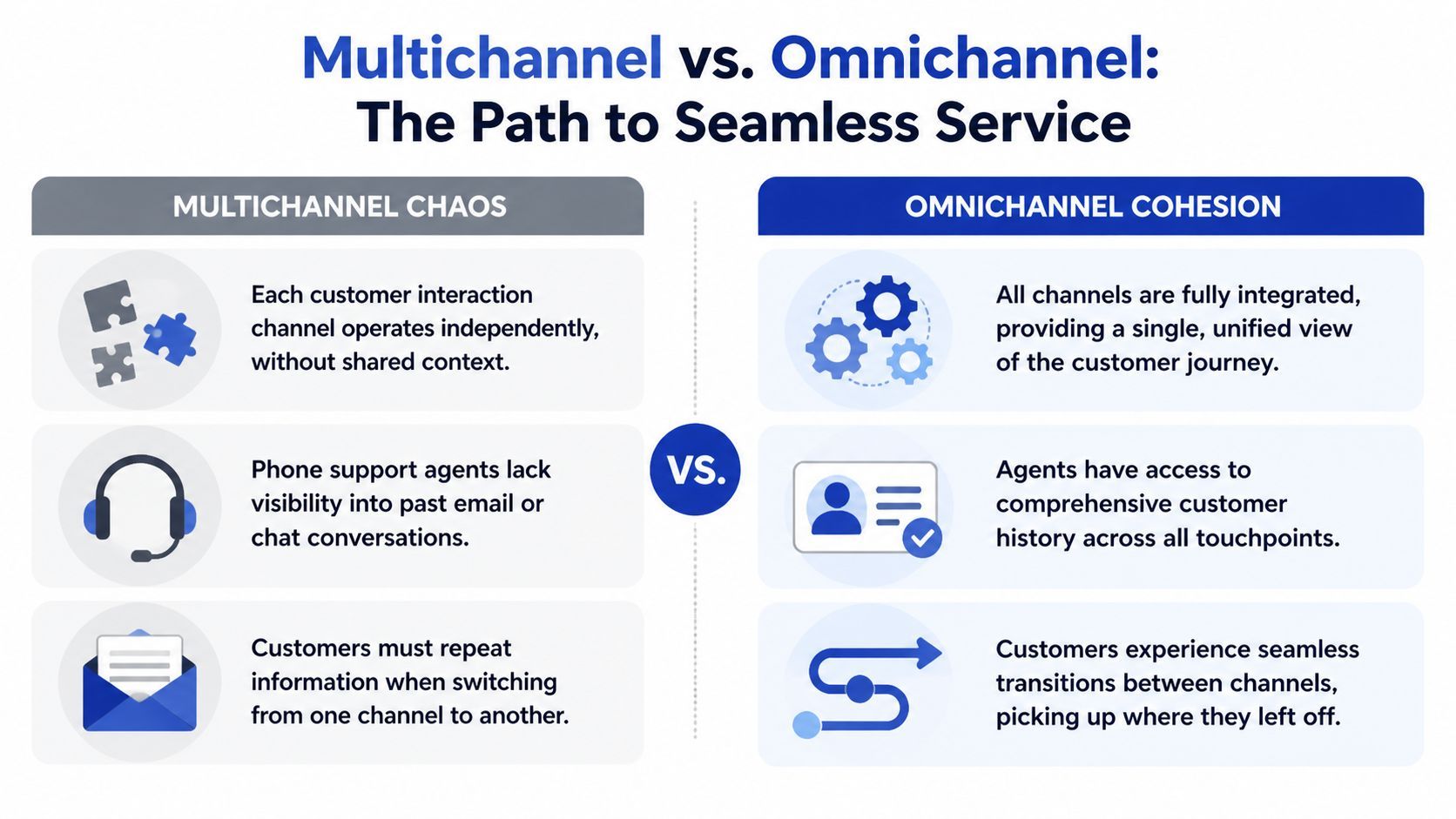
A simple way to understand the difference is this. Multichannel is several separate conversations. Omnichannel is one continuous conversation that can move between places.
If a customer starts on live chat during lunch, replies by email later, and follows up through Instagram that evening, multichannel support treats those as three unrelated interactions. Omnichannel customer service connects them into one thread with one history and one shared context.
What customers feel
Customers don’t care how many tools you’ve connected. They care whether they need to repeat themselves.
A multichannel setup can still frustrate people because each contact point acts like a dead end. An omnichannel setup reduces that friction by carrying context forward. That’s the operational shift that matters.
For a broader implementation perspective, Mava’s omnichannel strategy guide is useful because it frames omnichannel as process design, not just software selection.
Multichannel vs. Omnichannel at a glance
What changes inside the business
The biggest difference is internal. In multichannel support, your team spends time finding context. In omnichannel customer service, the system provides context before the agent replies.
That changes how teams work:
- Handoffs get cleaner: Staff can pick up a conversation without making the customer start over.
- Replies get more consistent: Policies, product details, and order history are easier to reference across channels.
- Pre-sales support becomes usable: Your team can continue a sales conversation instead of resetting it.
The best omnichannel setups don’t try to impress customers with channel count. They remove the need for customers to explain the same problem twice.
For Shopify brands, this often starts with replacing disconnected chat widgets and inboxes with a system that treats support and buying intent as one connected workflow. If you’re evaluating that layer, a practical place to start is looking at how Shopify chat support should connect product questions, order context, and follow-up conversations instead of handling each one in isolation.
Measuring the Real Impact of a Unified Experience
Founders usually approve service changes for one of three reasons. Revenue, cost, or team capacity. Omnichannel customer service affects all three.
The common mistake is treating support as a pure overhead function. In ecommerce, support sits much closer to conversion than many teams admit. Product questions, shipping concerns, return policies, and post-purchase reassurance all shape whether someone buys again, buys more, or stops buying altogether.

Revenue and efficiency move together
Strong omnichannel execution doesn’t just improve the experience. It tends to improve unit economics as well. According to Uniform Market UK statistics cited by Plivo, businesses with strong omnichannel strategies see 9.5% year-over-year revenue growth and 7.5% lower cost per contact, compared with 3.4% and 0.2% for weaker implementations.
That matters for Shopify brands because support demand rarely rises in a neat straight line. It spikes around launches, promotions, delivery delays, and peak trading periods. If every additional conversation requires more manual effort, growth increases pressure faster than it increases capacity.
The metrics that usually show the change first
You don’t need a complicated dashboard to see whether omnichannel customer service is working. In practice, the earliest signs are usually operational.
- Resolution quality improves: Agents answer with order and conversation history already available.
- Repeat contact drops: Fewer customers reopen the same issue on a second channel.
- Sales assistance becomes more useful: Pre-sales chats continue naturally instead of restarting from zero.
Those shifts usually show up in your service KPIs before they show up in broader financial reporting.
Operator’s view: If your support team keeps switching tabs to reconstruct a customer story, your reported response times may look acceptable while your actual service cost stays too high.
What to watch in a Shopify context
For DTC brands, I’d focus on a short list:
A useful benchmark exercise is to define your current service baseline before changing tools or workflows. Then track whether the customer journey feels shorter, cleaner, and less repetitive. If you need a framework for that measurement layer, these customer service KPIs are a solid starting point for ecommerce teams that want business-facing metrics rather than vanity numbers.
A Practical Implementation Roadmap for Shopify Brands
Most Shopify stores don’t need an enterprise transformation project. They need a better operating model. The smartest omnichannel customer service rollouts start small, fix the key breakpoints, then expand.
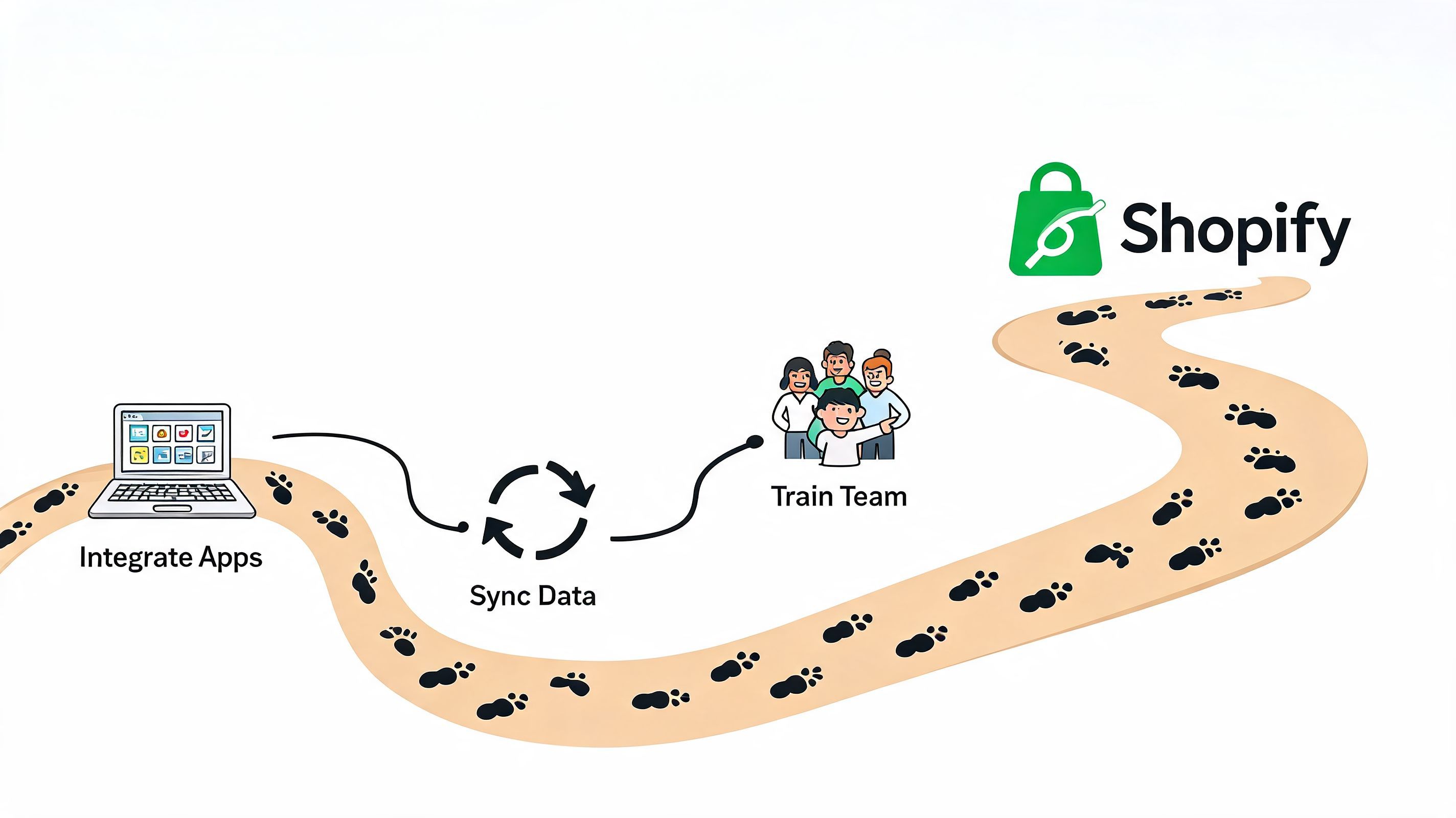
Step one: map the real customer journey
Skip the polished funnel diagram. Look at actual behaviour.
Pull a sample of recent conversations and trace what customers did before they contacted you. Which channels did they use first? Where did they switch? What details were they forced to repeat? Which questions happened before purchase, and which happened after fulfilment?
For Shopify brands, the high-friction moments are usually predictable:
- Before purchase: sizing, product comparison, stock availability, shipping timing
- After purchase: order status, delivery confusion, exchanges, returns
- After a service failure: delayed responses, inconsistent answers, lost context
This audit provides the sequence of work required for fixes. It also prevents the classic mistake of launching on every channel without understanding where the customer needs continuity.
Step two: choose channels on purpose
You don’t need to be everywhere. You need to be coherent where your customers already expect help.
If your buyers ask product questions on site and follow up on Instagram, those are the handoffs that matter. If email is mostly used for order issues, build that flow properly instead of forcing email into the same role as live chat. Channel strategy should follow behaviour, not trend pressure.
A practical channel mix for many Shopify stores looks like this:
- Website chat for pre-sales and fast policy questions
- Email for order-specific follow-up and documented issue handling
- Social messaging where your audience already asks buying questions
Step three: create one source of truth
Many implementations fail when brands add channels faster than they unify data.
A connected experience depends on shared customer context. That usually means your support platform needs access to the Shopify order record, product catalogue, policy content, and prior conversation history. If those sit in separate tools with weak syncing, the customer will still feel the break.
The risk is real. A 2024 Salesforce UK report discussed by CustomerThink indicates that 62% of UK consumers will abandon a brand following a poor experience caused by disconnected, cross-channel data handling.
Your first omnichannel investment shouldn’t be another inbox. It should be the layer that keeps customer context intact when the conversation moves.
Step four: automate the repeatable work
Once the data foundation is clean, automation becomes useful instead of cosmetic. At this stage, many Shopify teams reclaim time.
The best candidates for automation are repetitive questions with clear source data, such as shipping policies, return windows, product availability, basic product guidance, and order-status triage. Human agents should handle exceptions, emotion, and judgment-heavy cases. They shouldn’t spend their day retyping policy text.
If you’re planning that handoff between automation and human support, this guide to customer care automation is useful because it keeps the focus on workflow design, not just bot setup.
A short walkthrough helps when you’re thinking about systems and staffing together:
Step five: train for continuity, not channel ownership
Teams often get trained by tool. Email team. Social team. Chat team. That structure reinforces silos.
Train around customer outcomes instead. Staff should know how to read prior context, continue a conversation without repetition, document edge cases clearly, and escalate when the issue moves beyond a standard workflow. Omnichannel customer service only works when the process expects continuity at every handoff.
How AI Enables True Omnichannel Service at Scale
For most small and mid-sized Shopify brands, the barrier isn’t knowing what good service looks like. The barrier is staffing it consistently across every channel, every hour, in every product conversation.
That’s where AI changes the economics. Not because it replaces service strategy, but because it gives smaller teams a way to execute one.
AI works best when it has store context
A generic chatbot usually adds another layer of frustration. It answers vaguely, misses catalogue details, and breaks the customer journey rather than joining it.
An AI system becomes useful when it’s grounded in the actual store. For Shopify, that means access to the product catalogue, collections, policies, and relevant customer context. Then the same answer can stay consistent whether the shopper asks on site, returns later, or reaches out through another channel.
This is also why many older helpdesk tools struggle with modern omnichannel customer service. They were built to manage tickets. They weren’t built to act like an always-on sales and support layer that can hold context across customer touchpoints.
A realistic customer journey
Take a common ecommerce scenario.
A shopper lands on a product page from a paid social campaign. They’re interested, but unsure which option fits their budget and use case. They open chat and ask a product question. Later that evening they leave without buying. The next day they return from another touchpoint and ask a follow-up question in a different place.
If your systems are disconnected, the second interaction starts from zero. If your AI layer is connected to the store and customer journey, it can continue the conversation with the same catalogue knowledge, policy logic, and buying context.
That’s the true promise of AI in omnichannel service. Not novelty. Continuity.
Good AI doesn’t just answer faster. It preserves context so the customer doesn’t pay the operational price for your internal system choices.
Where AI helps immediately
For Shopify brands, AI usually creates the fastest gains in three areas:
- Pre-sales assistance: answering product, shipping, and returns questions quickly enough to support conversion
- Always-on coverage: maintaining service outside team hours without leaving customers in a dead end
- Escalation control: passing complex or sensitive cases to humans with the conversation history intact
There’s also a practical sales angle. If you want a strong overview of how conversational AI supports buying decisions, ECORN’s guide on how to increase sales with AI chatbots is worth reading because it connects customer service automation to ecommerce conversion behaviour.
The trade-off founders should understand
AI makes omnichannel customer service more achievable, but only if you set the boundaries correctly. Use it for consistency, speed, scale, and first-line guidance. Don’t ask it to improvise policy, handle high-emotion complaints without guardrails, or operate without reliable source data.
That’s why the strongest setups combine AI with smart escalation paths. Automation handles the routine layer. Humans step in where trust, judgment, or exceptions matter most.
If your business also handles voice support or wants to extend automation beyond chat, it helps to understand how AI is changing service operations more broadly, including in the AI call center model.
Your Omnichannel Questions Answered
Is omnichannel customer service only for larger brands
No. Smaller Shopify brands often benefit faster because they feel fragmentation earlier. When one founder or a tiny team handles email, chat, and social manually, every disconnected handoff eats time that should go into merchandising, marketing, or fulfilment.
Do we need to be on every channel
No. That’s a common mistake.
You need a connected experience on the channels your customers use. For many stores, that starts with on-site chat, email, and one social messaging channel. Add more only when the process is stable and the added channel serves a clear customer need.
What’s the difference between omnichannel and a normal helpdesk
A normal helpdesk can collect tickets from several places. Omnichannel customer service connects those interactions into a continuous customer experience.
That means preserving context, carrying conversation history across touchpoints, and helping the next responder see what already happened without forcing the customer to repeat it.
Will automation make support feel robotic
Bad automation will. Well-implemented automation removes repetitive friction and leaves humans to handle the conversations that need empathy or judgment.
The key is to automate predictable queries, keep the answers grounded in your actual store data, and escalate cleanly when the issue is nuanced.
The goal isn’t to remove people from service. It’s to stop people spending their time on questions a system should answer consistently.
What should we fix first
Start with the point where customers most often repeat themselves. For some brands that’s product questions moving from chat to email. For others it’s order support splitting across email and social DMs.
Fix the highest-friction handoff first. Don’t try to redesign the whole operation in one go.
How do we know it’s working
You’ll usually see it in cleaner operations before you see it in a glossy report. Fewer duplicate conversations. Faster continuation after channel switches. Better quality in pre-sales support. Fewer moments where your team has to reconstruct the customer story manually.
If those things aren’t improving, your channels may be connected in software but still disconnected in practice.
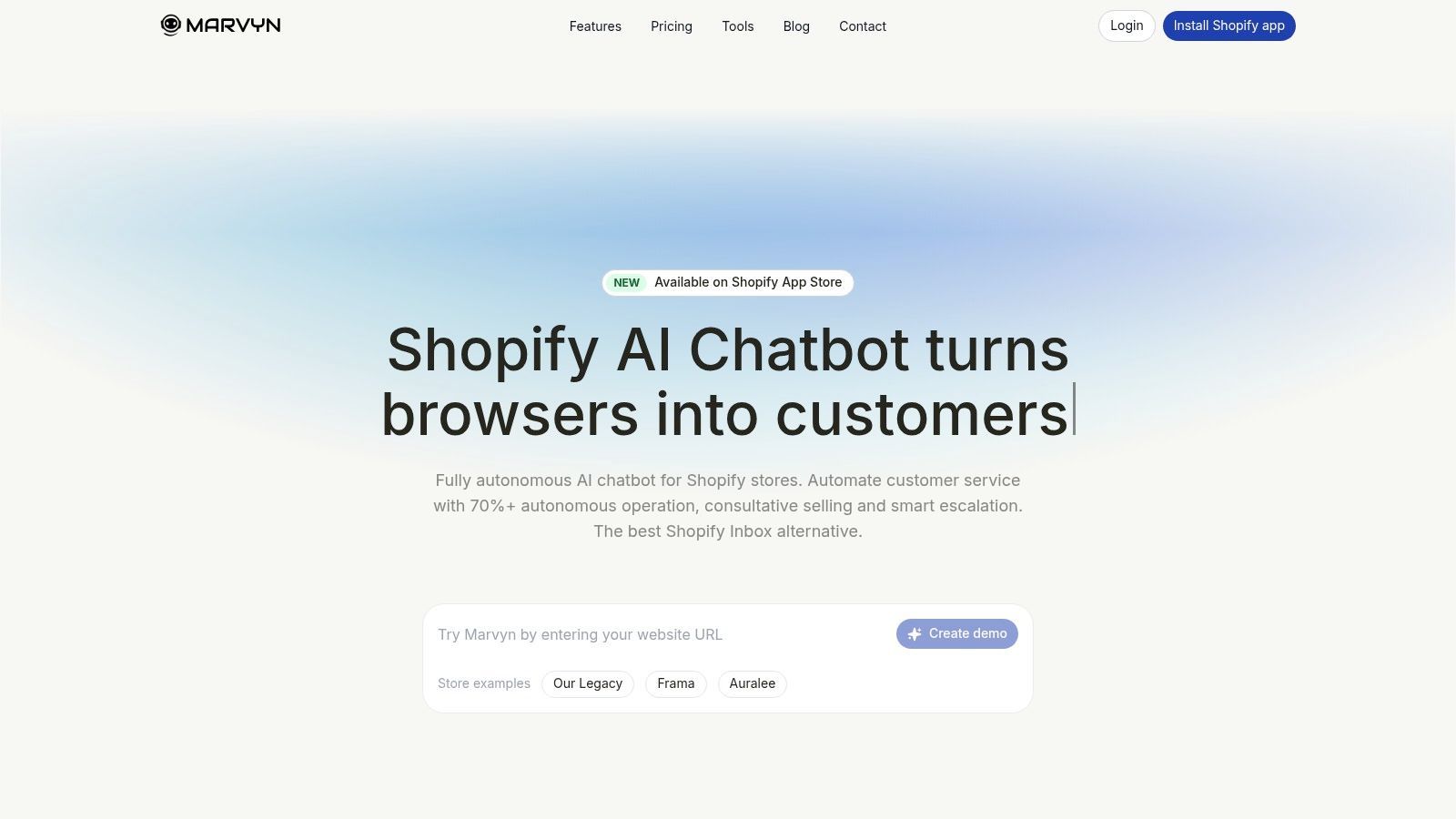
If your Shopify store needs a practical way to deliver omnichannel customer service without building a large support team, Marvyn AI is built for exactly that. It syncs with your catalogue, policies, and store content, handles customer questions around the clock, and helps turn support conversations into completed checkouts.